
Answer WhatsApp in Hindi or English, after your yes
Connect your WhatsApp Business number and get a reply drafted for every customer message, sent from your number when you approve it.
Kritvia drafts a reply to every WhatsApp message your customers send, in Hindi, Hinglish or English, and sends it from your own number when you approve it. You can also let it reply by itself.
What you need
- A WhatsApp Business number: either the number on your WhatsApp Business app (it keeps working on your phone) or a new number.
- The Starter plan or above. Email and your website form work on every plan.
Connect your number
- Go to Settings → Connectors and click Connect WhatsApp.
- Choose The number on my WhatsApp Business app or A new number.
- Log in with Facebook in the window that opens and pick your business.
- For the app number, scan the QR code Meta shows with the WhatsApp Business app. Your chats stay on the phone; new ones also arrive in Kritvia.
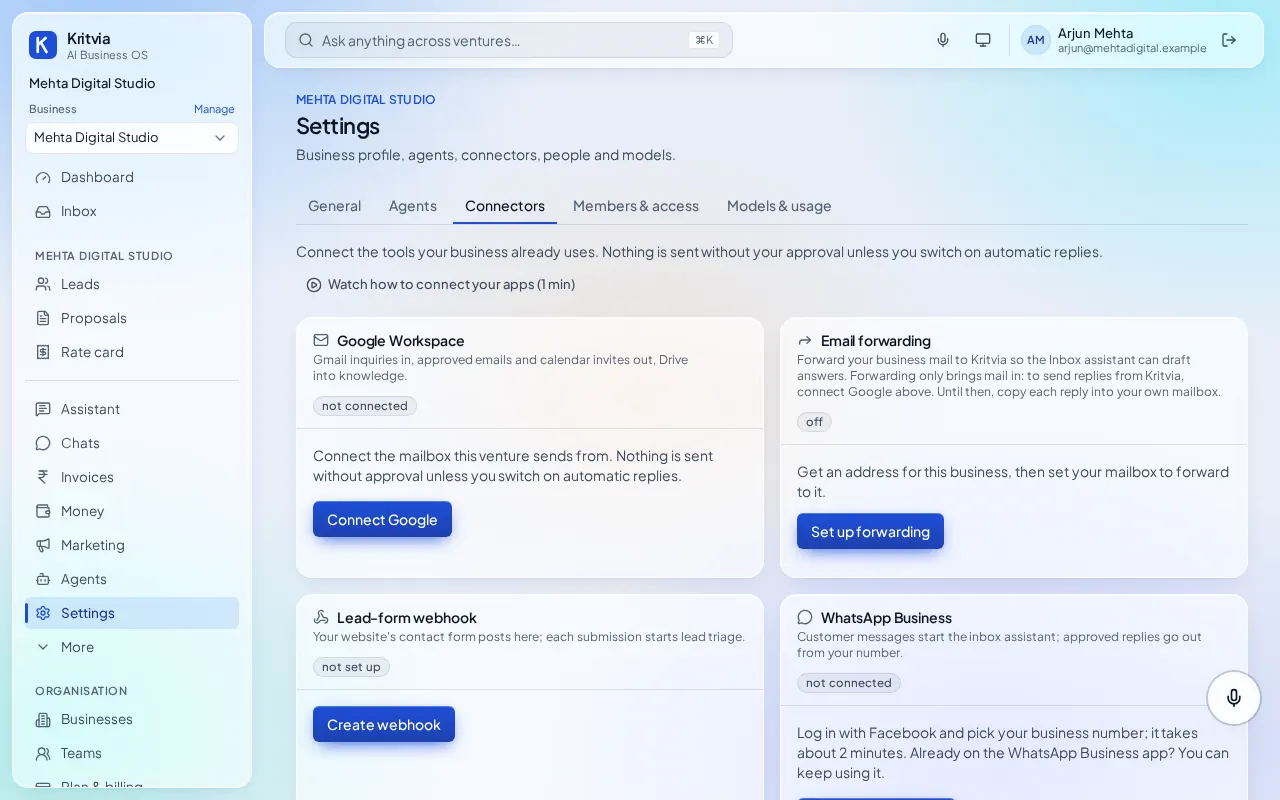
Add your prices under Rate card too, so replies quote your real prices and never a made-up one.
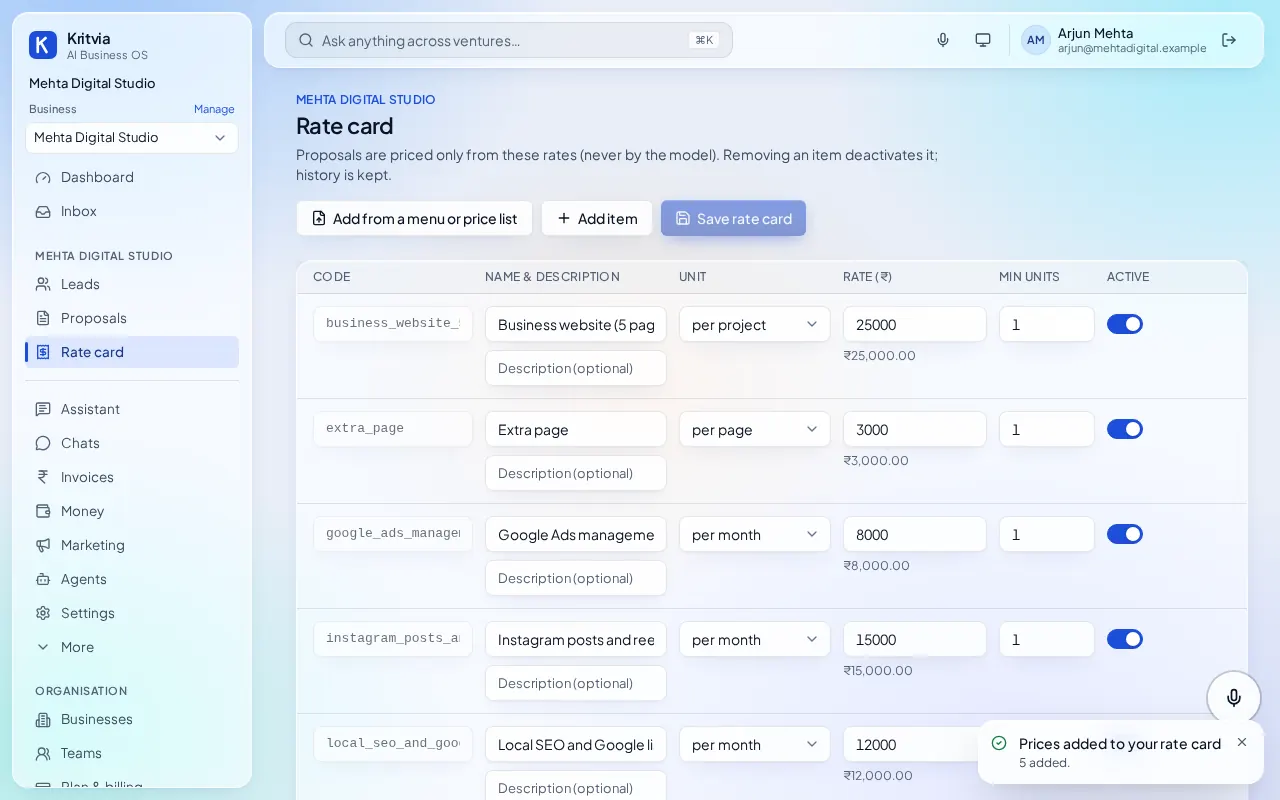
What happens to a message
- The reply is drafted with the whole chat in mind and what Kritvia knows about your business.
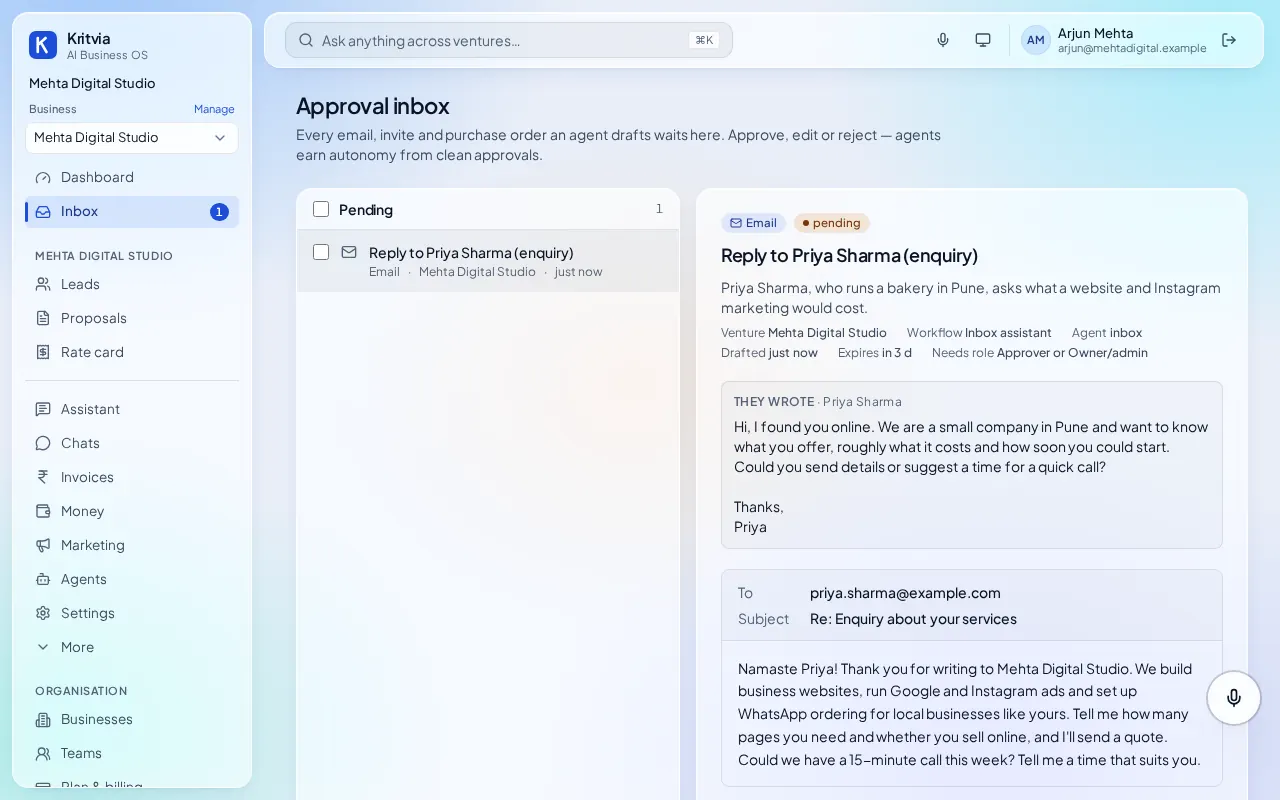
- It waits in the Inbox: Approve & send, Edit or Reject with a note. Approved replies go out from your number.
- A customer who asks for a person, is angry or wants a refund is handed to you, and nothing is drafted.
- Your team can read every chat on the Chats page and Take over any time, so the customer never gets two answers.
- Anyone who replies STOP is never messaged again.
Letting it reply by itself
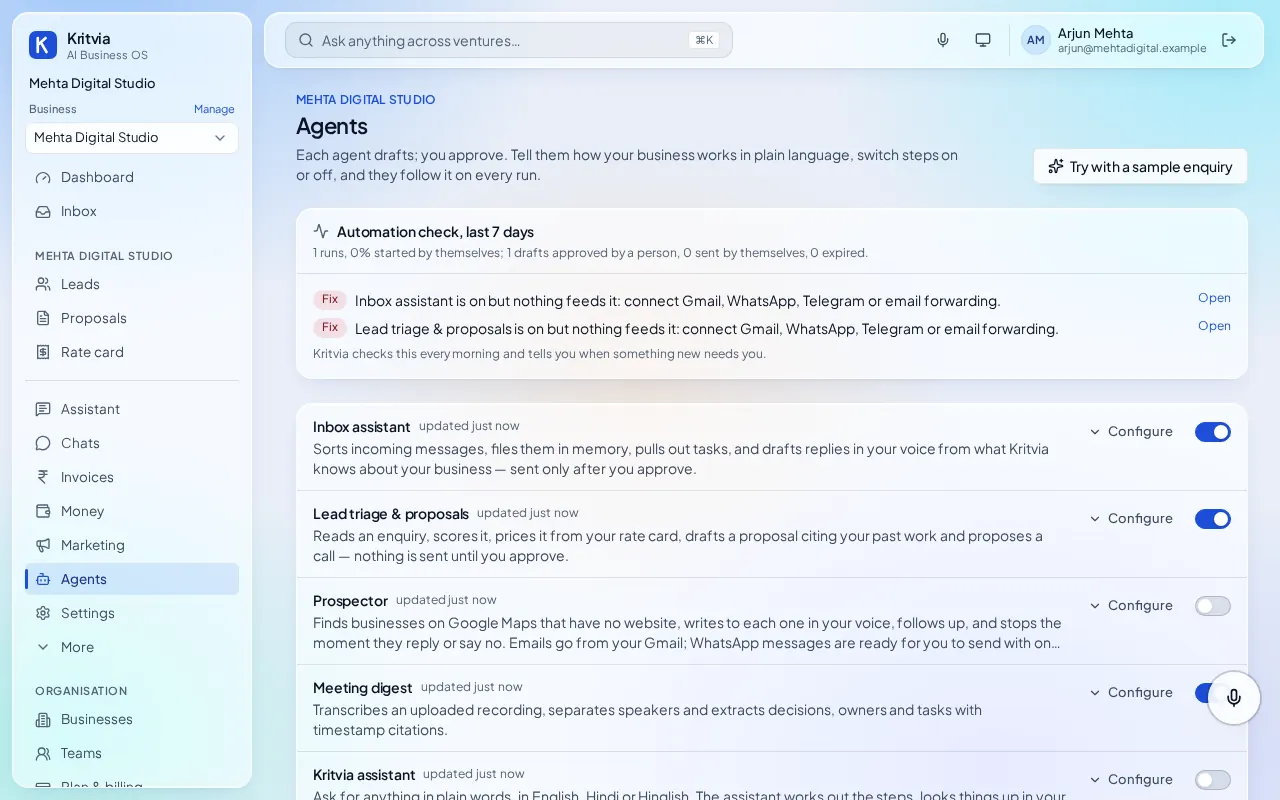
Switch on Reply by itself for WhatsApp, and customers get an answer straight away. Orders, bookings, payments, prices that aren't on your rate card, discounts, refunds and complaints still wait for you, and the customer is told the team will get back to them.
The 24-hour rule
WhatsApp lets a business reply freely only within 24 hours of the customer's last message. After that it needs a message template Meta approved in advance. Make one on the WhatsApp page under Templates; Kritvia tells you when a template is needed instead of guessing.
Next: Set up your business, step by stepWhat you can do after setupSend payment reminders on email and WhatsAppSend proposals priced from your rate card