
Send proposals priced from your rate card
Every enquiry scored and priced by code from your own rate card, with a drafted proposal and call invite for you to check and send.
When an enquiry comes in, Kritvia scores it, prices it from your own rate card and drafts a proposal for you to check and send. Every price is worked out by code from your rate card; the AI never makes up a number.
Add your rate card
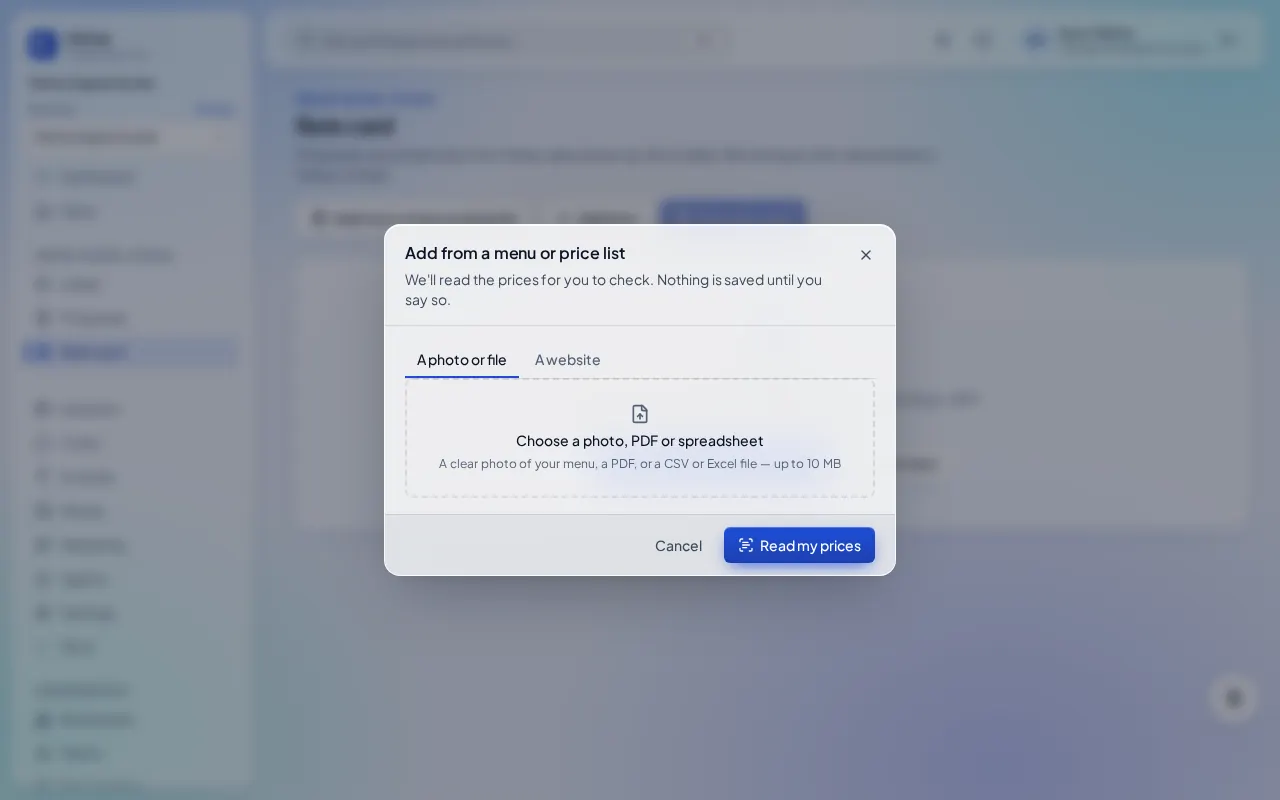
- Click Rate card, then Add from a menu or price list.
- Pick A photo or file (PDF, Excel, CSV or a clear photo) or A website (the page that lists your prices), and click Read my prices.
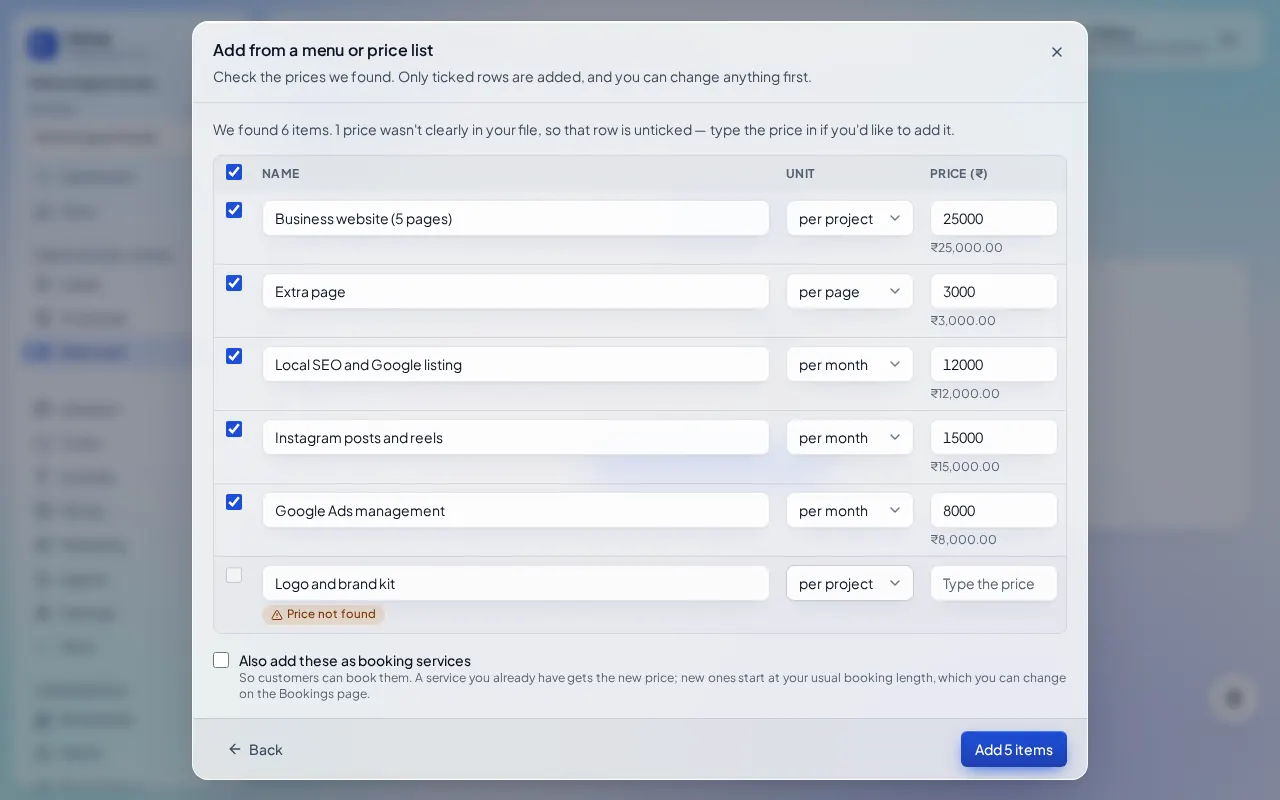
Check the prices
Check the list. Anything Kritvia couldn't find a price for is left unticked: type it in, or leave it out. Then click Add N items. Prefer typing? Click Add item for each service, then Save rate card.
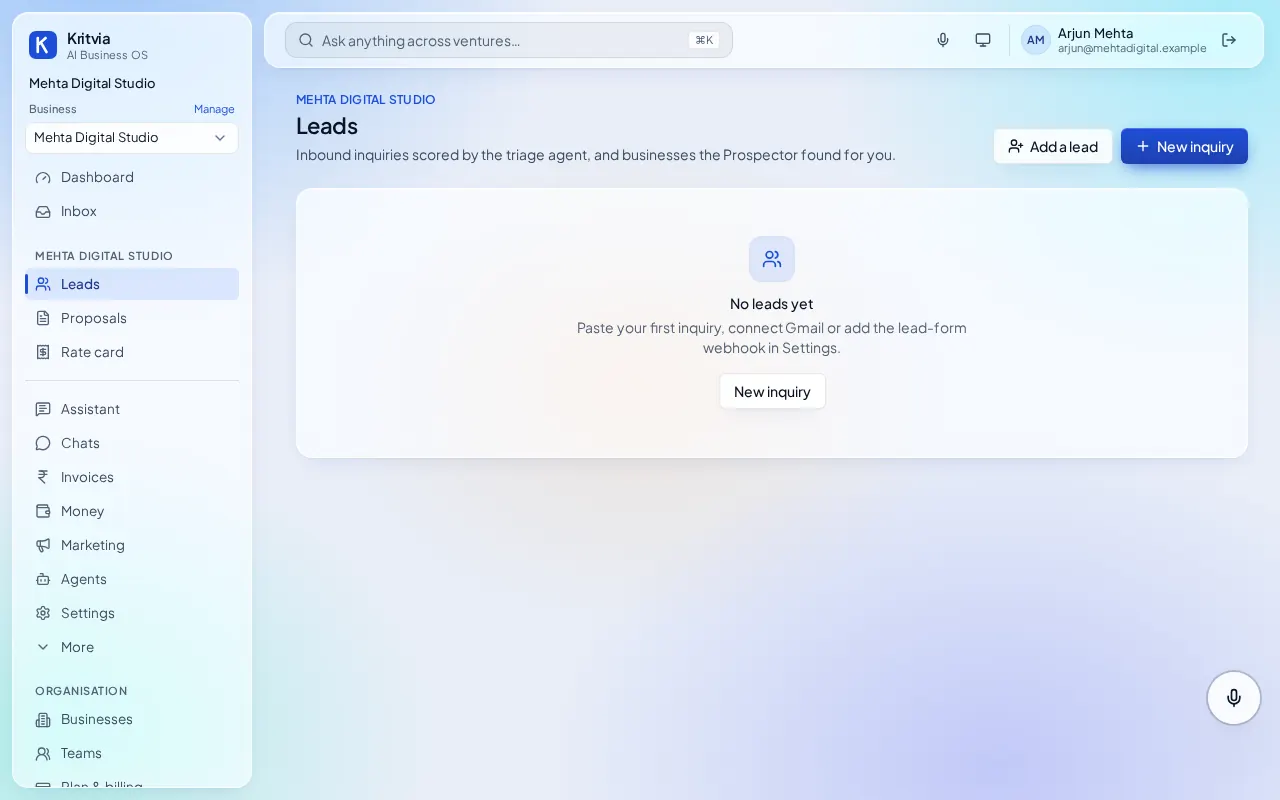
Every enquiry becomes a lead
Each enquiry from email, WhatsApp, your website form or IndiaMART becomes a lead, marked hot, warm or cold. Add one by hand with New inquiry. Leads that go quiet get a follow-up draft on WhatsApp or email.
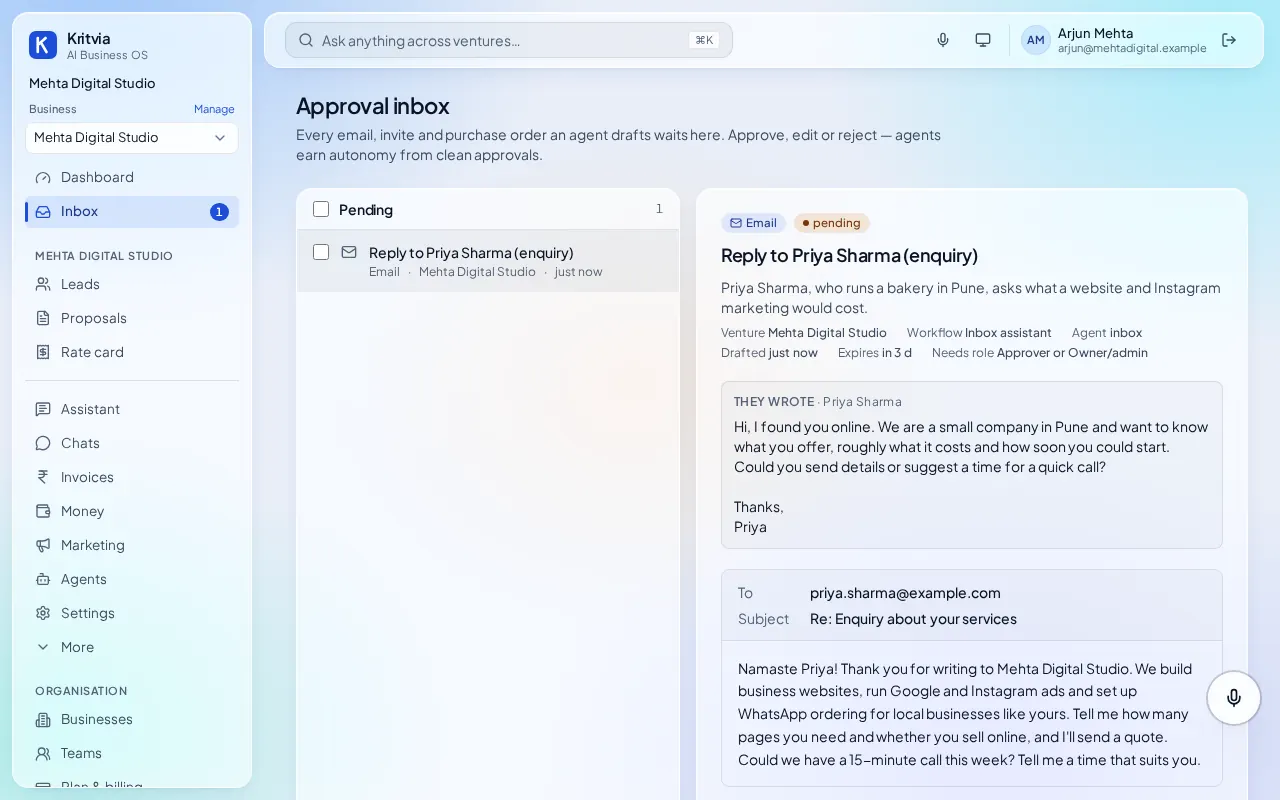
The proposal
Kritvia drafts a proposal priced from your rate card, citing your past work, plus a call invite. It waits in the Inbox: check it, edit anything, then approve it to send. Proposals always wait for your yes, even with autopilot on.
Plans
Leads and proposals are on every plan, with 10 proposals on the 15-day trial. IndiaMART enquiries come in from Starter.
Next: Set up your business, step by stepWhat you can do after setupAnswer WhatsApp in Hindi or English, after your yesSend payment reminders on email and WhatsApp