
Send payment reminders on email and WhatsApp
Polite reminders to every customer who owes you, on a schedule you set, each one sent after your yes.
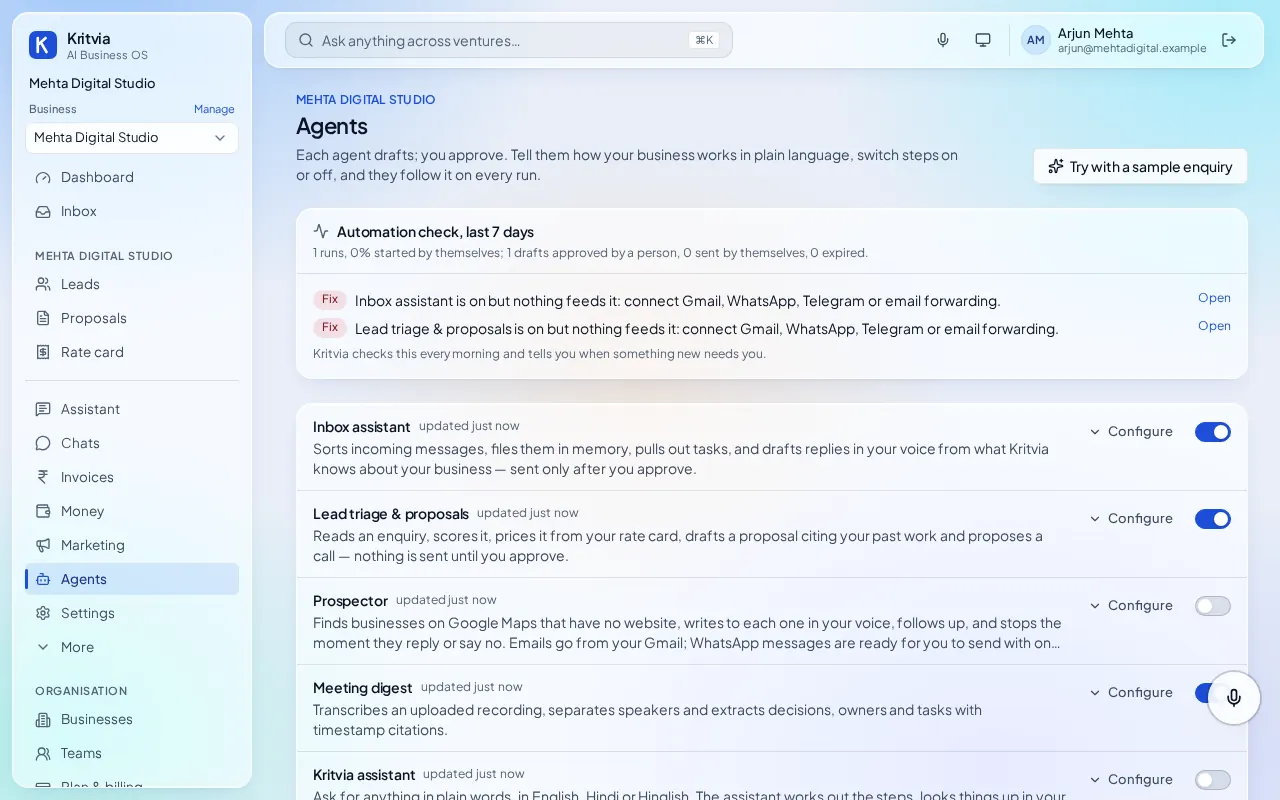
The Payment reminders agent sends each customer who owes you a polite reminder, on email or WhatsApp, after your yes. Paid invoices stop it straight away.
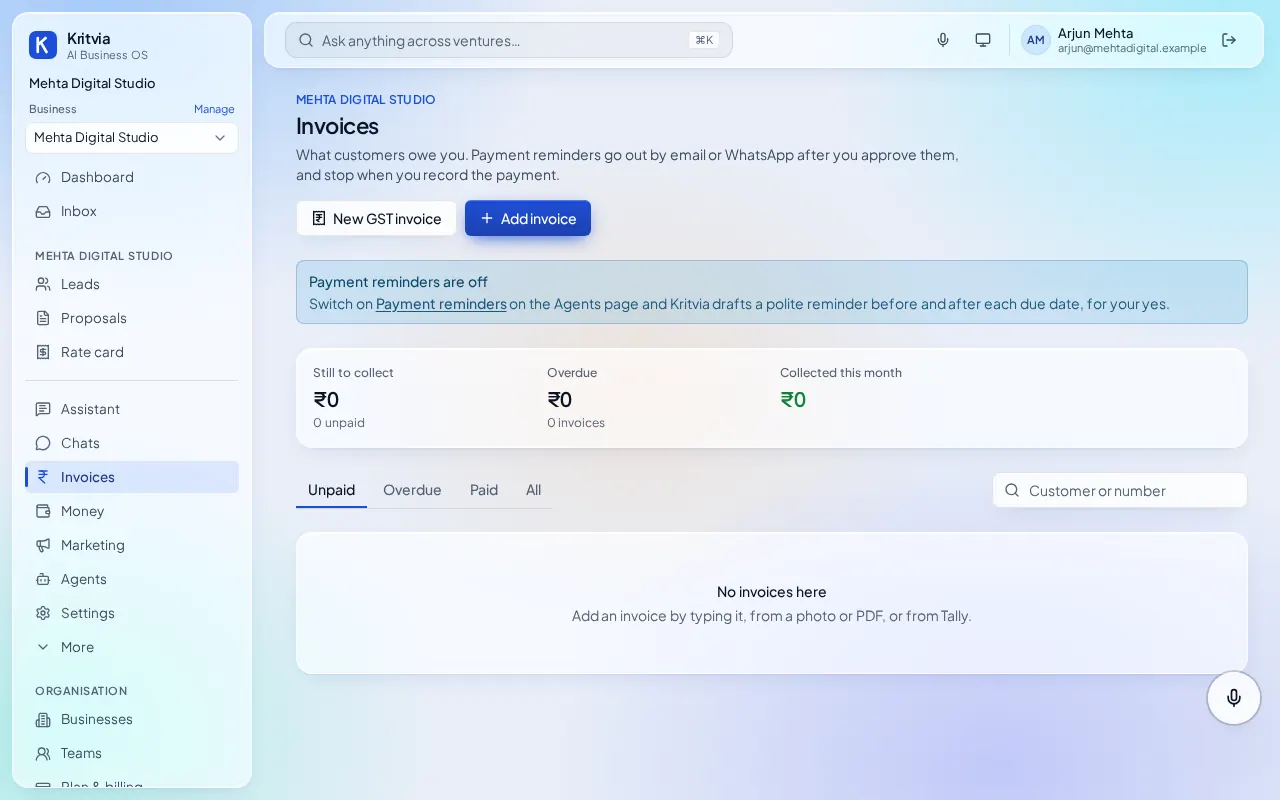
Add your invoices
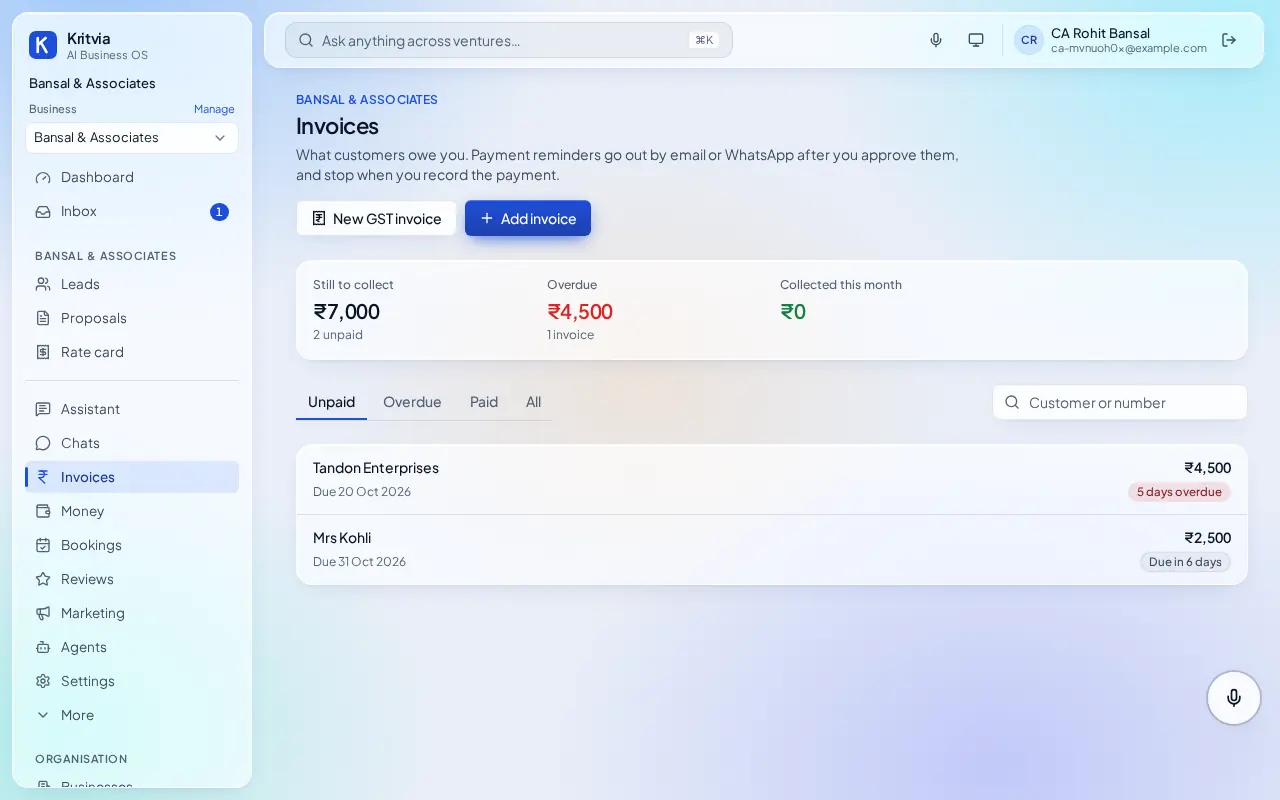
Go to Invoices and add each one: type it, or add it from a photo or PDF. On Growth and above you can also bring in what customers owe from Tally. Each invoice gets a payment page with your UPI ID; connect Razorpay (from Starter) for card and netbanking.
Put the customer's email or mobile number on the invoice, so the reminder can reach them.
When reminders go
Every day at the set time (10:00 by default), for each invoice still owed:
- A friendly heads-up 2 days before the due date.
- A reminder the day after the due date.
- Then one every 7 days, up to 4 in all. The last one asks the customer to reply if there is a problem.
You can change these numbers in the agent's settings.
Email or WhatsApp
- Email when the invoice has an email address and Gmail is connected. Kritvia writes the text from the invoice; the amount, number and dates are filled in by code, never typed by the AI. Your How customers can pay line from the agent's settings is always included.
- WhatsApp when there is no email but the customer chats with your business on WhatsApp. WhatsApp needs a template Meta approved for this, so make one under WhatsApp → Templates and enter its name as WhatsApp template for reminders in the agent's settings.
You stay in control
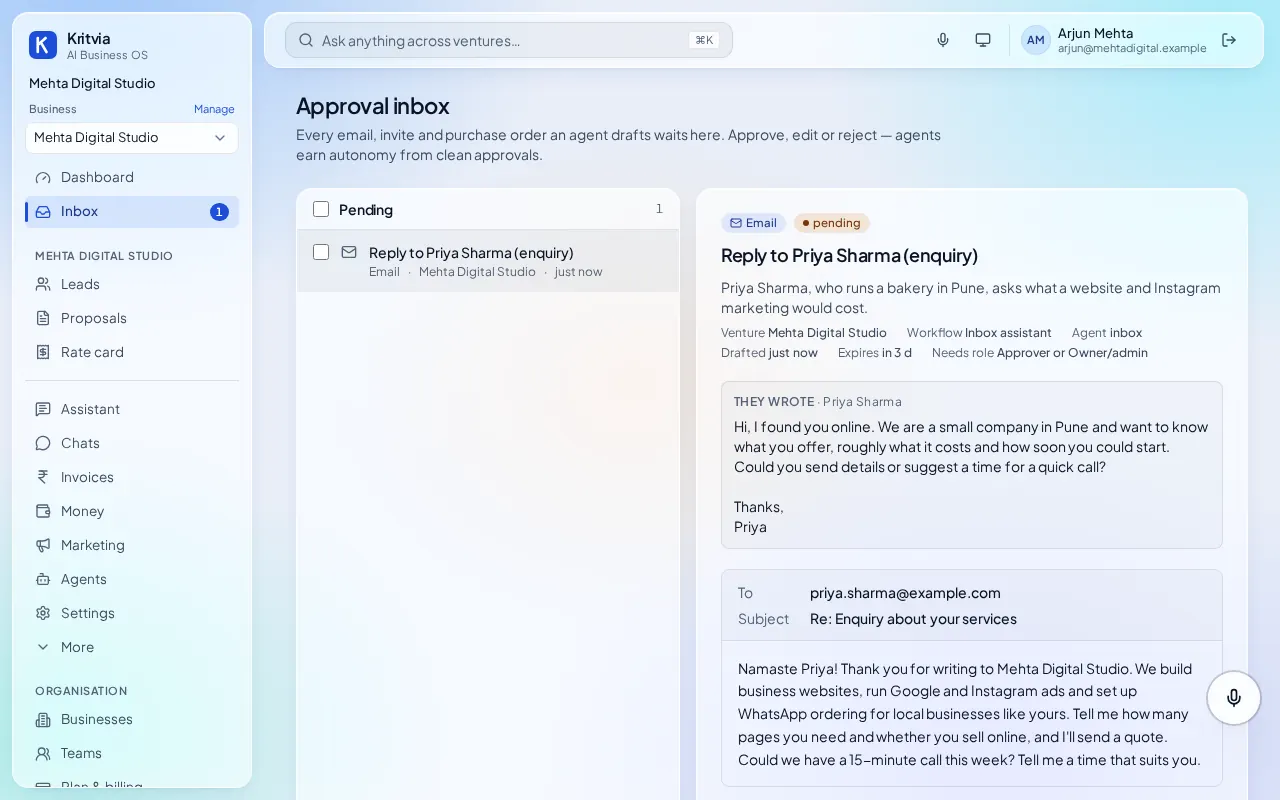
- Every reminder waits in the Inbox for your yes. With autopilot (from Starter), the first two go by themselves.
- Record a payment and reminders for that invoice stop. Pause reminders on one invoice when a customer promises to pay or has a question.
- Rejecting a reminder moves the next one on by the usual gap.
Plans
Invoices and payment reminders are on every plan. Razorpay payment links come with Starter, and Tally import with Growth.
Next: Set up your business, step by stepWhat you can do after setupAnswer WhatsApp in Hindi or English, after your yesSend proposals priced from your rate card