What you can do after setup
Answer customers, win new clients, get paid, take bookings and stay in control, with what each plan includes.
Once your business is set up, Kritvia's agents answer your customers, price your enquiries, chase your money and take bookings, and you approve what matters from your phone. Nothing is sent, paid or changed without your yes unless you switch on autopilot, and even then refunds, discounts, prices that aren't on your rate card, complaints, orders, payments, invoices and proposals wait for you.
Answer customers
Every customer message lands in one place with a reply already drafted in your voice, in Hindi, Hinglish or English.
- Inbox: every draft waiting for your yes. Approve & send, Edit or Reject with a note; tick several to approve them together.
- Chats: your WhatsApp and Telegram conversations. Take over a chat yourself any time.
- Reply by itself: customers get an answer straight away, on the channels you tick, in a warm, professional or playful tone. It never pretends to be a person.
- Answers from your records: a customer asking about their own invoice, payment link or booking gets the real numbers.
- Nobody left waiting: a customer still unanswered after 12 hours gets one polite "thanks for your patience" message, and you get a reminder.
- STOP means stop: anyone who replies STOP is never messaged again.
Plan: email and website form on every plan; WhatsApp, Telegram and IndiaMART from Starter.
Win new clients
Every enquiry is scored and priced from your own rate card, so you can send a proposal within minutes.
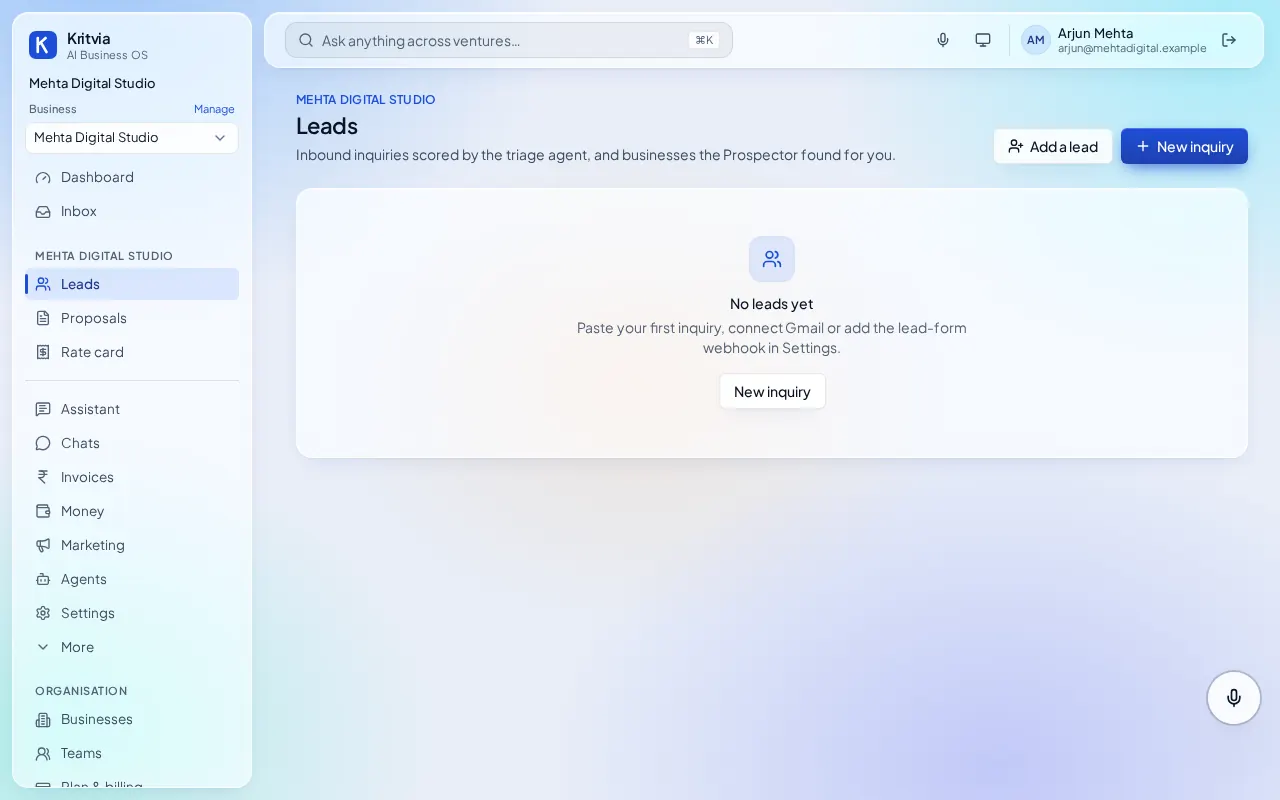
- Leads: each enquiry from email, WhatsApp, your website form or IndiaMART becomes a lead, marked hot, warm or cold. Add one by hand with New inquiry.
- Priced proposals: Kritvia drafts a proposal priced by code from your Rate card, citing your past work, plus a call invite. You check and send.
- Follow-ups: leads that go quiet get a follow-up draft on WhatsApp or email.
- Prospector: finds businesses on Google Maps from searches you choose (for example
restaurants in Rajouri Garden, Delhi), writes to each one, follows up and stops the moment they reply or say no.
Plan: leads and proposals on every plan (10 proposals on the trial); IndiaMART from Starter; Prospector from Growth.
Get paid
Every invoice gets a payment page, and polite reminders go to whoever owes you.
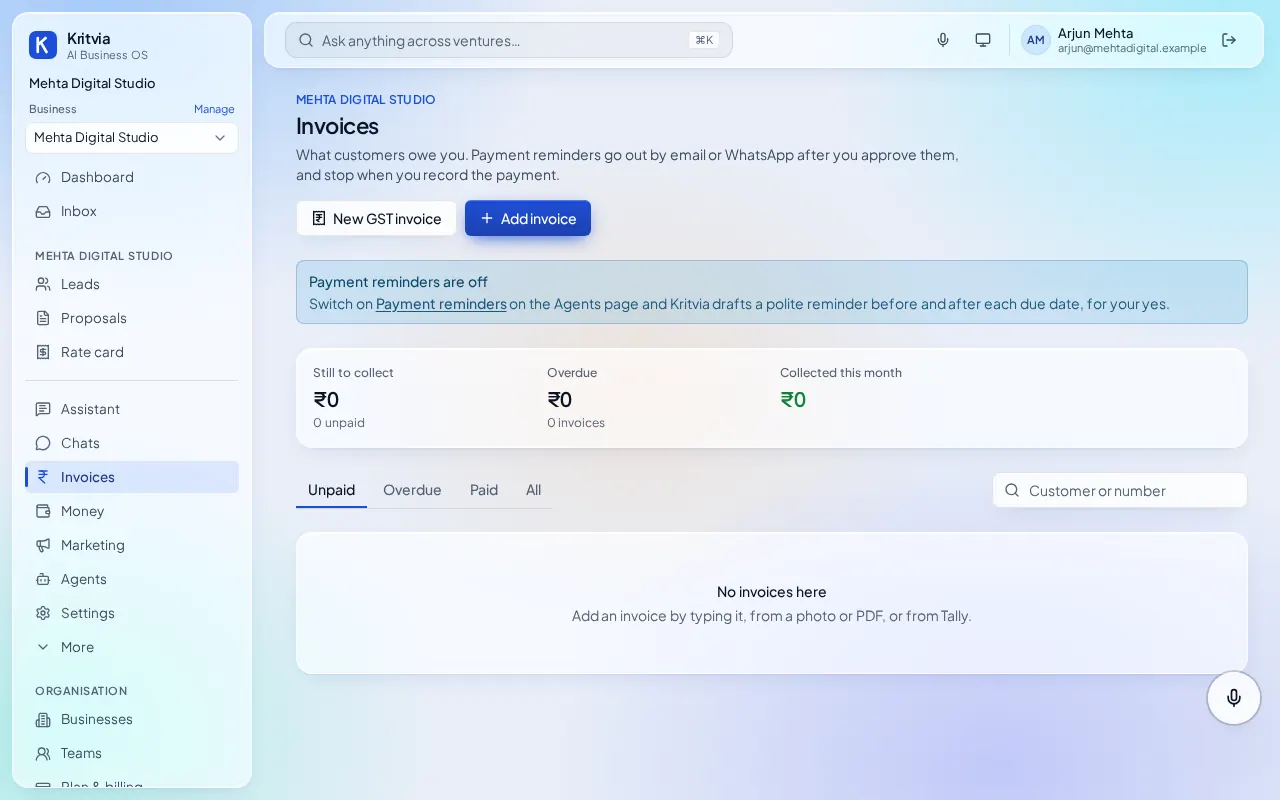
- Invoices: type one, or add it from a photo or PDF. Each gets a payment page with your UPI ID; connect Razorpay for card and netbanking.
- Payment reminders: a polite reminder to each client who owes you, sent after your yes. With autopilot, the first two go by themselves (from Starter).
- Money: who owes you and for how long, supplier bills due in the next 3 days, and a 13-week cash forecast.
- Bank matching: upload a bank statement (CSV, Excel or PDF from any Indian bank) and Kritvia matches money in to your invoices and bills.
- GST: tax invoices with CGST and SGST or IGST worked out, and each month's GSTR-1 as Excel and JSON for your accountant.
Plan: every plan; Razorpay from Starter; Tally import from Growth.
Bookings, reviews and marketing
- Bookings: set your hours and services once; when a client asks for a time, Kritvia offers free slots and books the one they pick. With Google Calendar connected, nothing is double-booked. The day before, each client gets a reminder.
- Reviews: Kritvia drafts a reply to each new Google review and, after a paid invoice, drafts a thank-you that asks the client for a review (never twice in 90 days). Low ratings are flagged to you straight away.
- Social posts: a post on the days you pick, from your own offers, published to your Google Business Profile and Facebook Page after your yes.
- Campaigns: one WhatsApp template or one email to a list you approve once. WhatsApp only reaches people who agreed to hear from you; emails carry a one-click unsubscribe.
Plan: every plan; Google Calendar and Facebook Page from Starter.
Your assistant
Ask for anything in plain words, typed or spoken, in the app or from your own WhatsApp or Telegram.
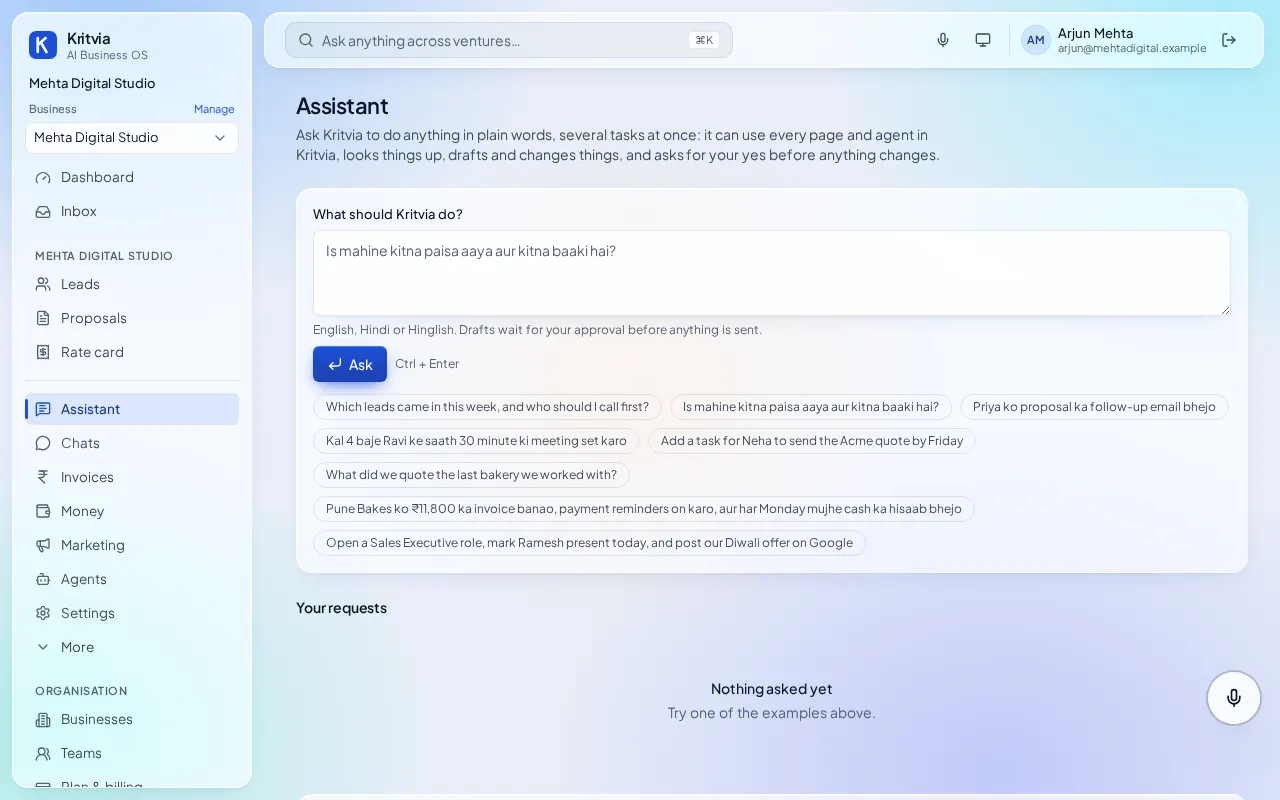
- Ask anything: the search bar at the top (or Ctrl K) or the Assistant page:
add Ravi as a lead, draft his quote and remind me on Friday. It asks for your yes before changing anything. - Voice: click the microphone and speak in Hindi, Hinglish or English.
- Skills: jobs you repeat run on a schedule or right after something happens, such as an invoice being paid.
- Knowledge: upload your services deck, policies and past work (or connect Google Drive); drafts say which page they used.
- Meetings: upload a recording and get the decisions, owners and tasks.
Plan: every plan; Google Drive from Starter.
Agents
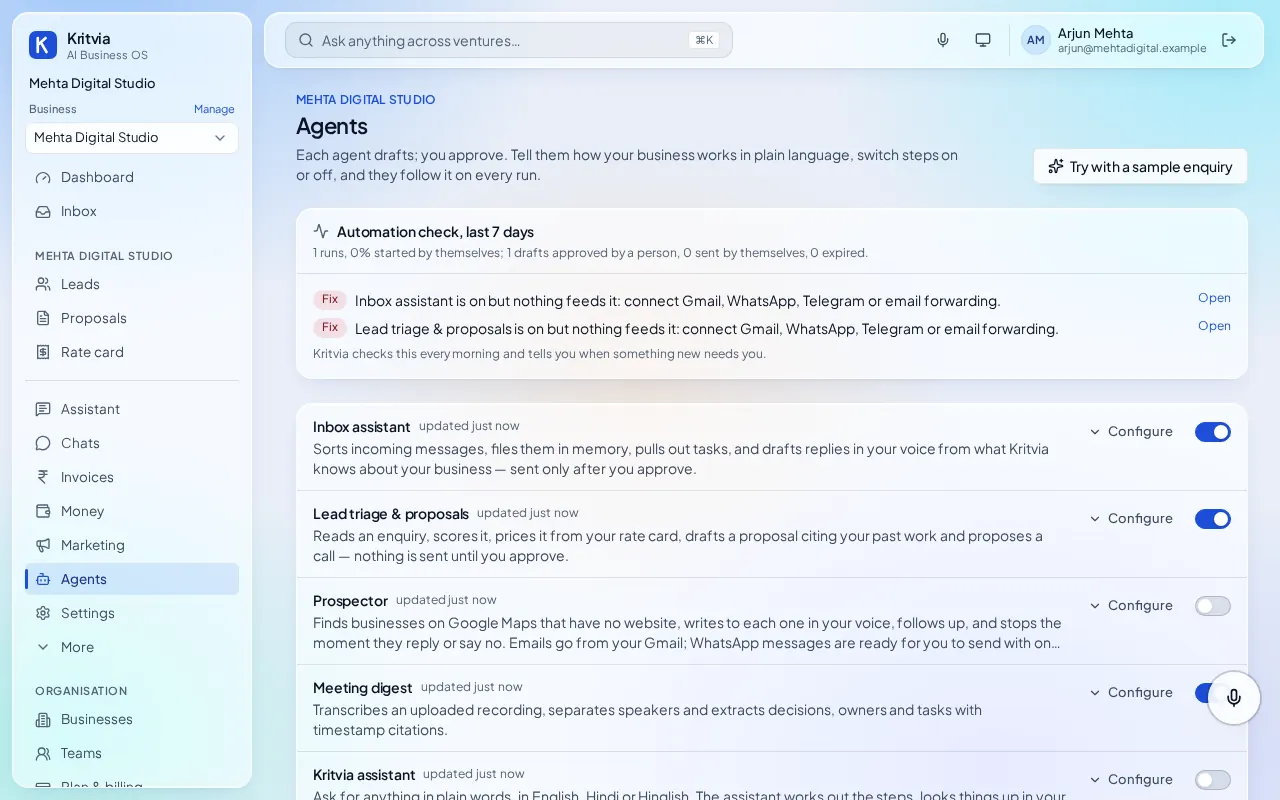
Switch agents on or off and tell each one how you work under Agents.
| Agent | What it does | Plan |
|---|---|---|
| Inbox assistant | Sorts every message and drafts replies | Every plan |
| Lead triage & proposals | Scores enquiries and drafts priced proposals | Every plan |
| Meeting digest | Decisions, owners and tasks from a recording | Every plan |
| Payment reminders | Polite reminders to clients who owe you | Every plan |
| Prospector | Finds and writes to new businesses on Google Maps | Growth and up |
| AI phone calls | Answers your business number, calls back after your yes | Growth and up |
| Browser agent | Looks things up on websites and fills in forms after your yes | Growth and up |
| App store | Connects Notion, HubSpot, Stripe, Zapier, Jira, Asana and more | Growth and up |
Stay in control
- Autopilot: one switch per business. On the trial, agents answer customer questions by themselves; from Starter they also send booking reminders, the first two payment reminders, replies to good reviews, posts and follow-ups. You get a summary at 8 pm.
- Pause any time: Pause on the Dashboard, switch Autopilot off in Settings → General, or reply PAUSE from your linked WhatsApp or Telegram (RESUME to restart).
- Earned trust: after 10 approvals in a row with no edits, low-risk actions such as booking reminders may go by themselves; other actions need 30. Take it back on the Autonomy page.
- Runs and Activity: every step each agent took, and why.
- Analytics: money, leads and agent work over 7 to 90 days from Starter, or 12 months from Growth.
- Your data: each business is sealed off from every other and encrypted with its own key. Download or delete your data under Your account.