Kritvia for real estate
Property dealers, builders, rental and PG agents
Every property enquiry becomes a lead, buyers and tenants are offered a site-visit time, and they get a reminder the day before.
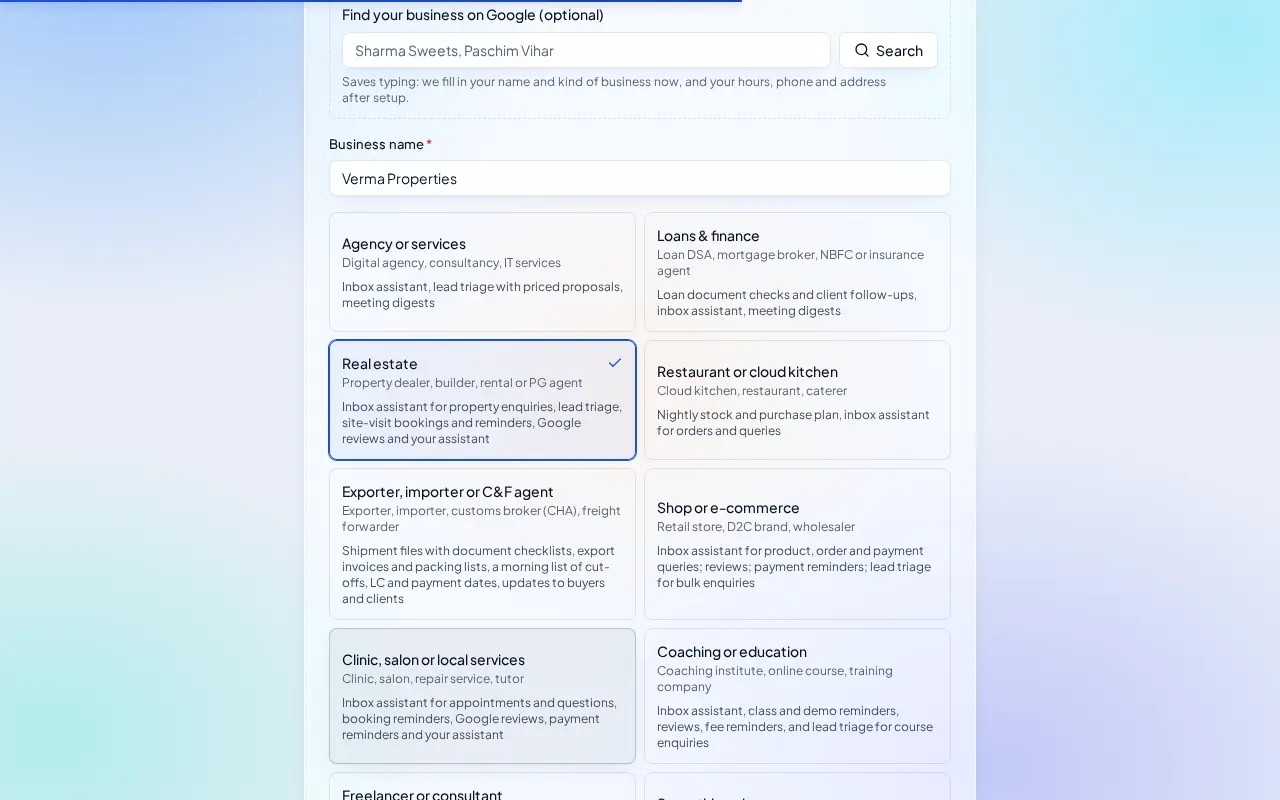
Pick this at sign-up
- Start your free trial at app.sitelytc.com (see Set up your business, step by step for sign-up).
- Type your business name.
- Pick the Real estate card and click Continue.
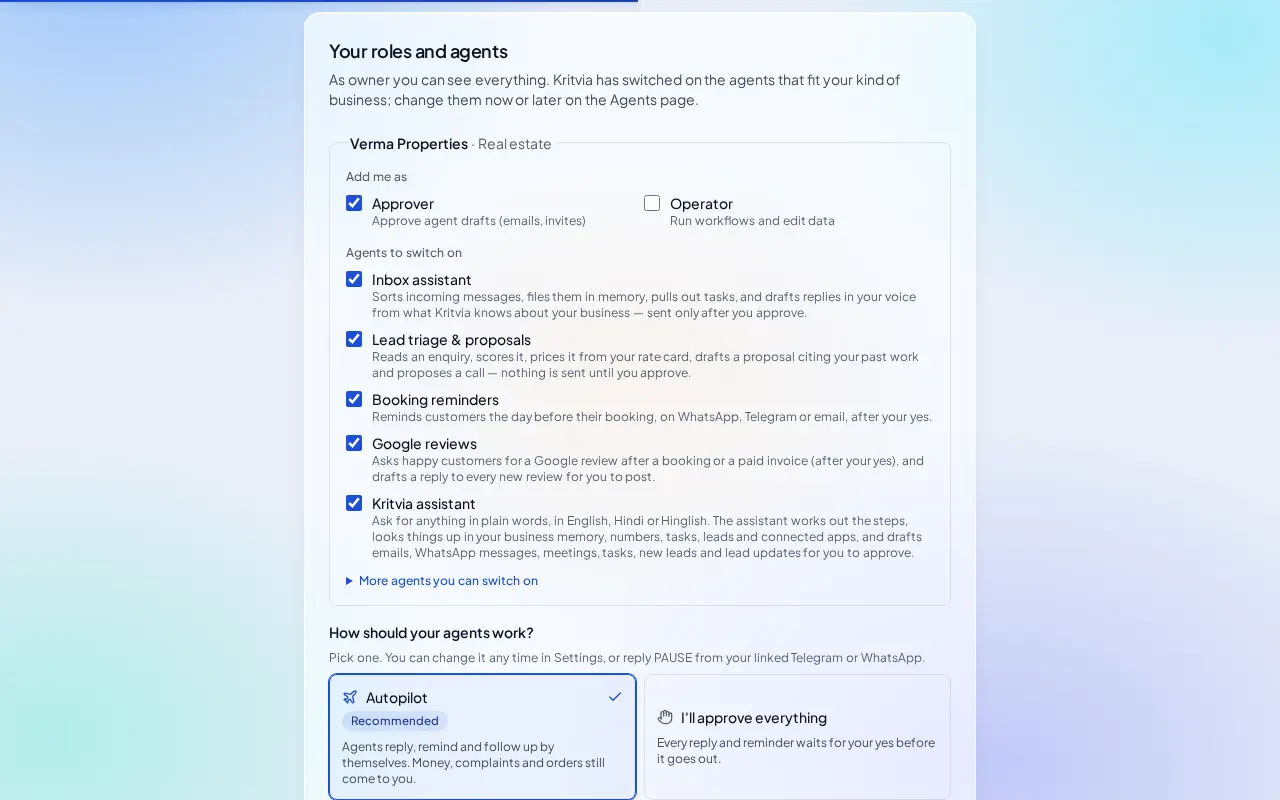
What switches on
- Inbox assistant: answers enquiries about properties, prices and locations from your listings. It never promises possession dates, loan approval or returns.
- Lead triage & proposals: scores each enquiry and keeps it under Leads.
- Booking reminders: reminds each visitor the day before their site visit.
- Google reviews: drafts replies to your reviews and asks pleased clients for one.
- Kritvia assistant: ask anything about your leads and visits.
Then choose Autopilot (agents reply, remind and follow up by themselves; money, complaints and orders still come to you) or I'll approve everything, and click Finish setup.
Set up
- Rate card: add each property you're offering with its price, for example 2BHK flat, Dwarka Sector 12 (rent), per month, ₹28,000. Replies quote only these prices.
- Bookings → Hours & services: add a Site visit service (for example 60 minutes) and the hours you show properties.
- Connect WhatsApp (Settings → Connectors → WhatsApp Business): log in with Facebook and pick your number; the WhatsApp Business app keeps working on your phone.
- Leads from property portals: forward their lead emails to your Kritvia forwarding address (Settings → Connectors → Email forwarding).
- Set up your phone and invite your team as in the general guide.
Every day
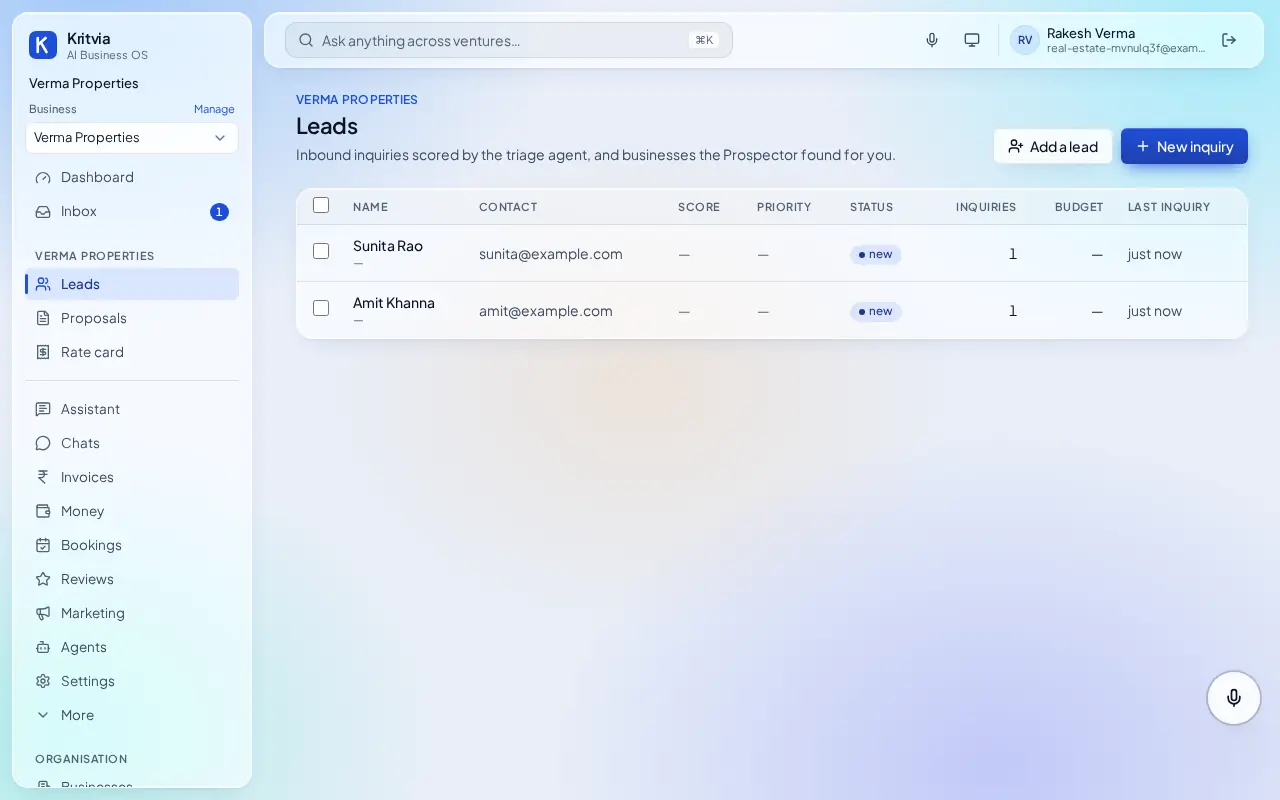
- Enquiries arrive in Leads; replies offering a site-visit time wait in Inbox.
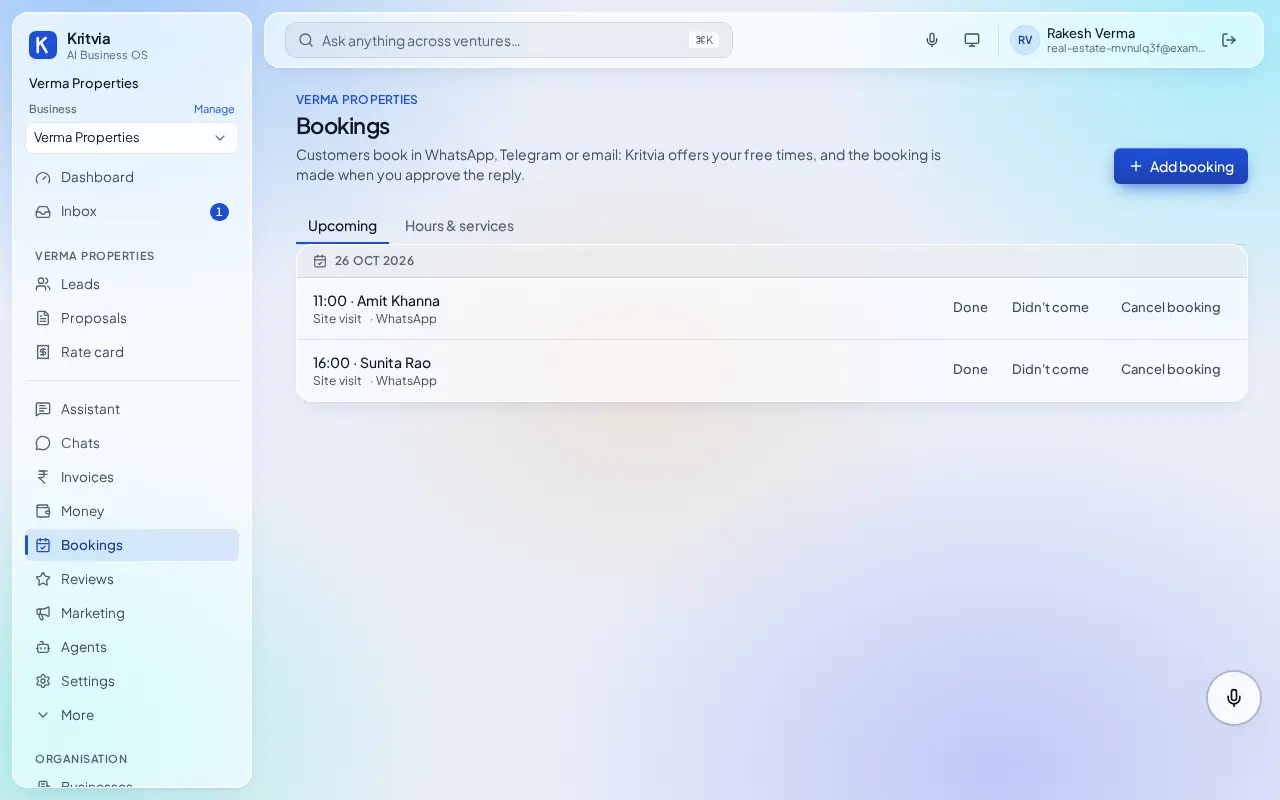
- Bookings lists each day's site visits; visitors get a reminder the day before.
- Mark each visit Done or Didn't come.
Which plan you need
The trial covers enquiries, leads and bookings. Starter adds WhatsApp and reminders sent by themselves with autopilot.
Good to know
- Also arrange home loans? Add a second business under Businesses with the Loans & finance card, so loan files stay separate.
Next: Kritvia for exporter