Kritvia for local service provider
AC and appliance repair, plumbers, electricians, pest control, cleaning
Customers book a visit in the chat, get a reminder the day before, and pay by UPI from an invoice sent after the job.
Pick this at sign-up
- Start your free trial at app.sitelytc.com (see Set up your business, step by step for sign-up).
- Type your business name.
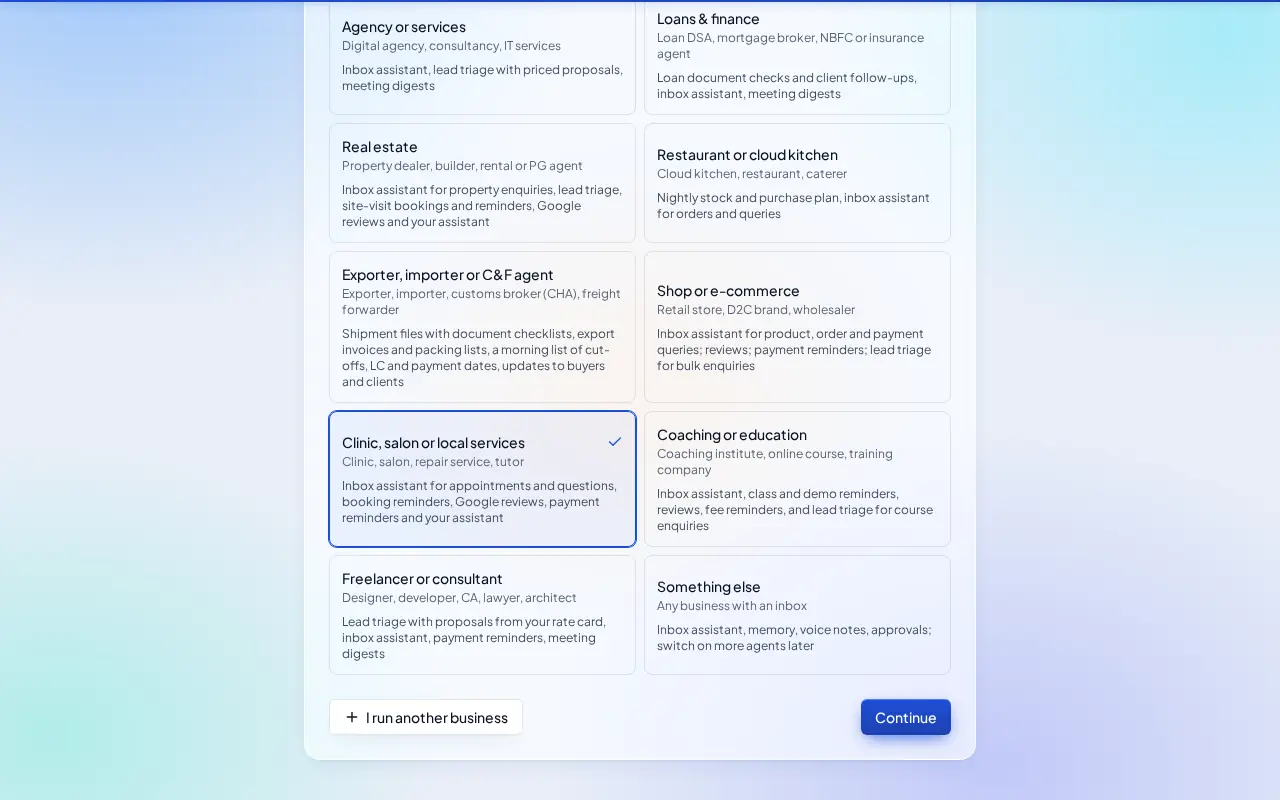
- Pick the Clinic, salon or local services card and click Continue.
What switches on
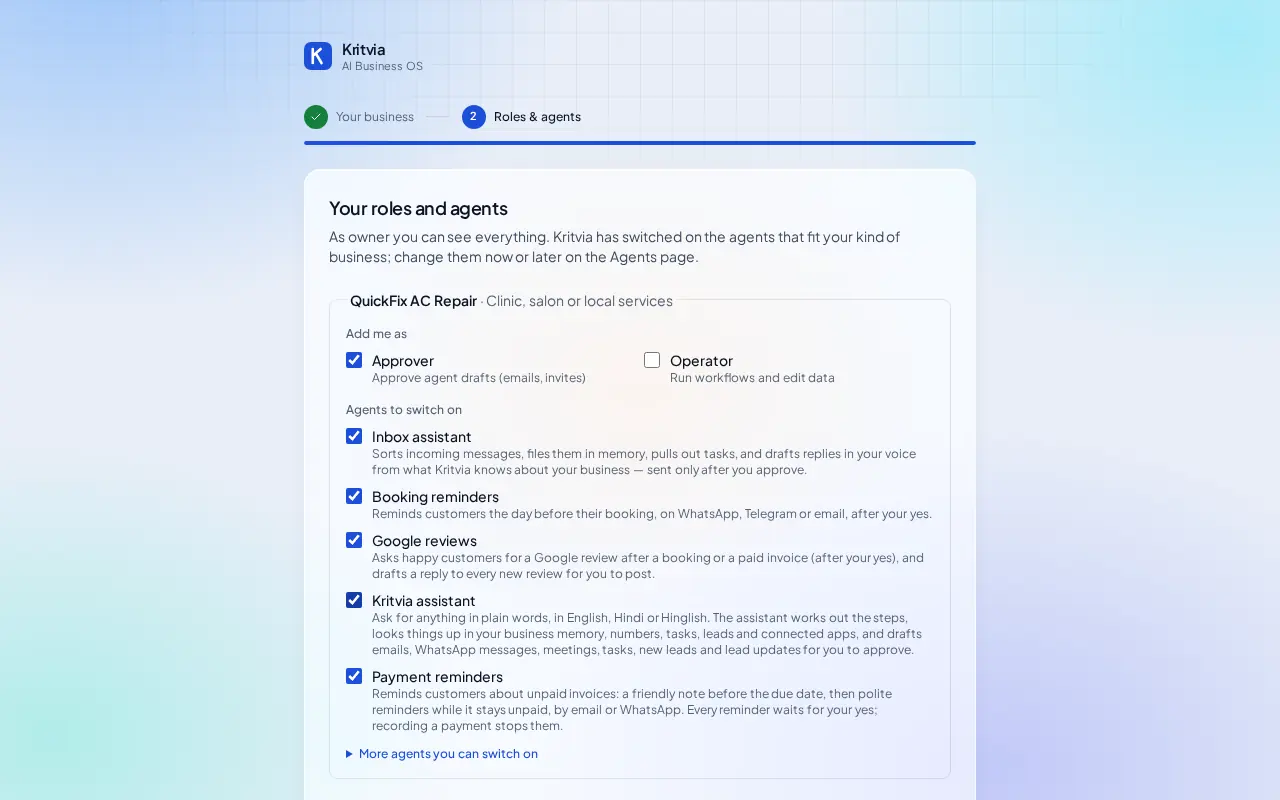
- Inbox assistant: books visits and answers price questions from your rate card.
- Booking reminders, Google reviews, Payment reminders and Kritvia assistant.
Then choose Autopilot (agents reply, remind and follow up by themselves; money, complaints and orders still come to you) or I'll approve everything, and click Finish setup.
Set up
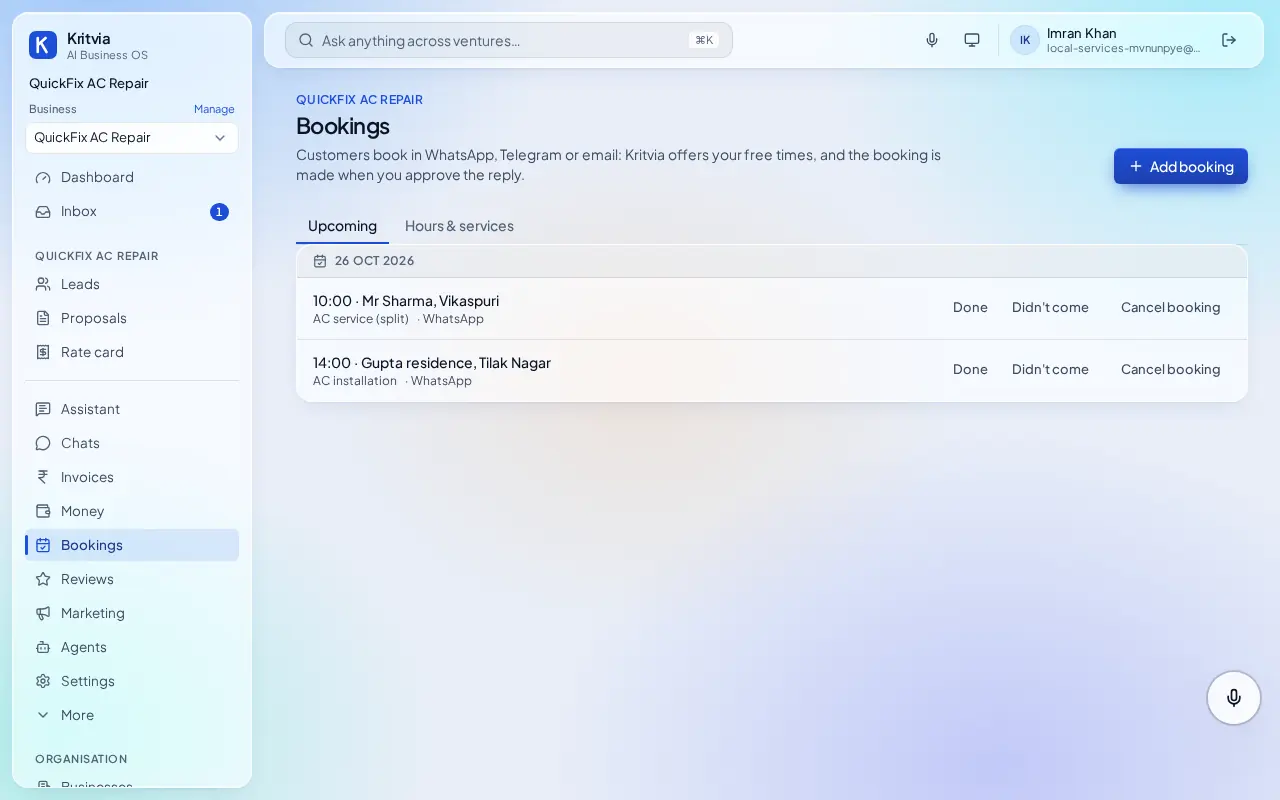
- Bookings → Hours & services: your working hours and each job with its length, for example AC service (split), 60 minutes, ₹599.
- Rate card: all your charges, including parts such as a gas refill.
- Getting paid (Settings → Connectors → Getting paid): enter your UPI ID so every invoice gets a payment page.
- Connect WhatsApp (Settings → Connectors → WhatsApp Business): log in with Facebook and pick your number; the WhatsApp Business app keeps working on your phone.
- Set up your phone and invite your team as in the general guide.
Every day
- Bookings shows each day's visits with the customer's name and number.
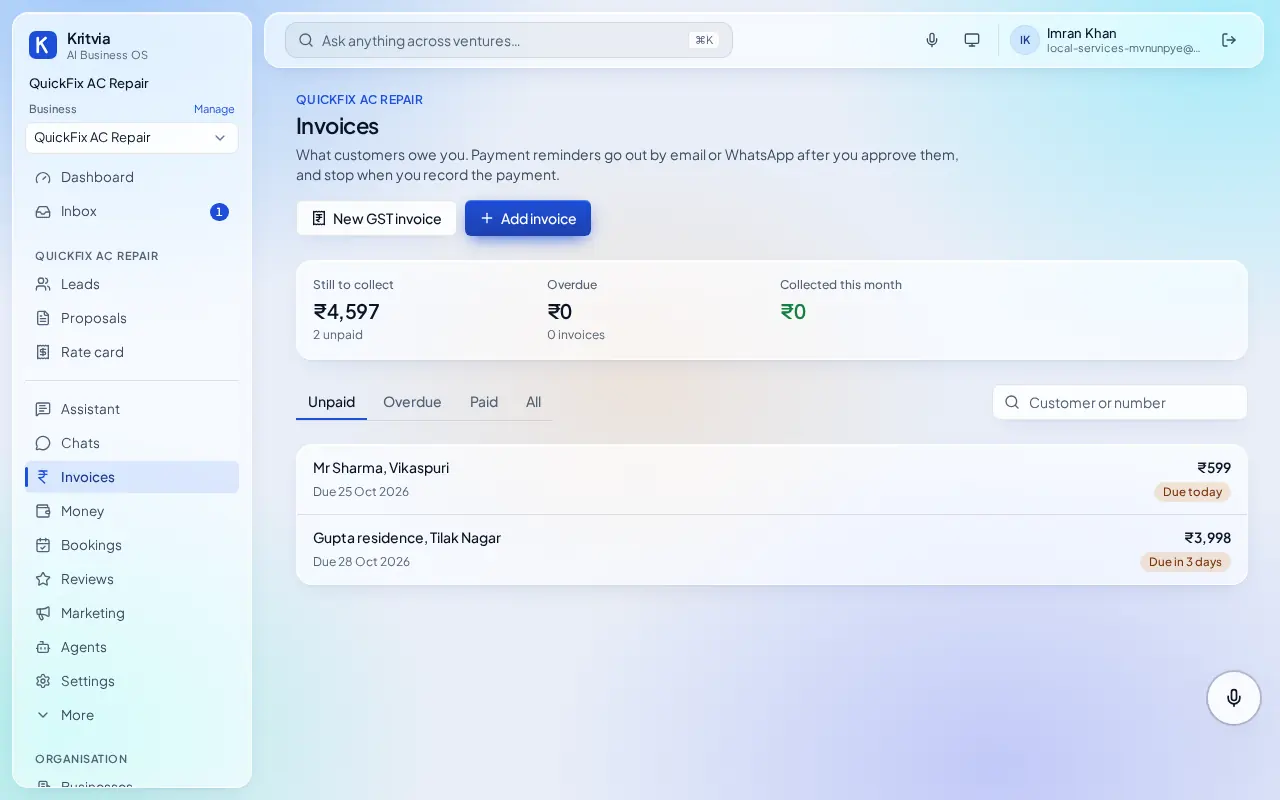
- After a job, add an invoice; the customer pays by UPI and gets reminders if they don't.
- Pleased customers are asked for a Google review.
Which plan you need
Bookings, invoices and reviews on every plan; WhatsApp from Starter.