Kritvia for coaching or educator
Coaching institutes, tutors, online courses, training companies
Student and parent enquiries get batch timings and a free demo class, fees get polite monthly reminders, and demo classes get reminders the day before.
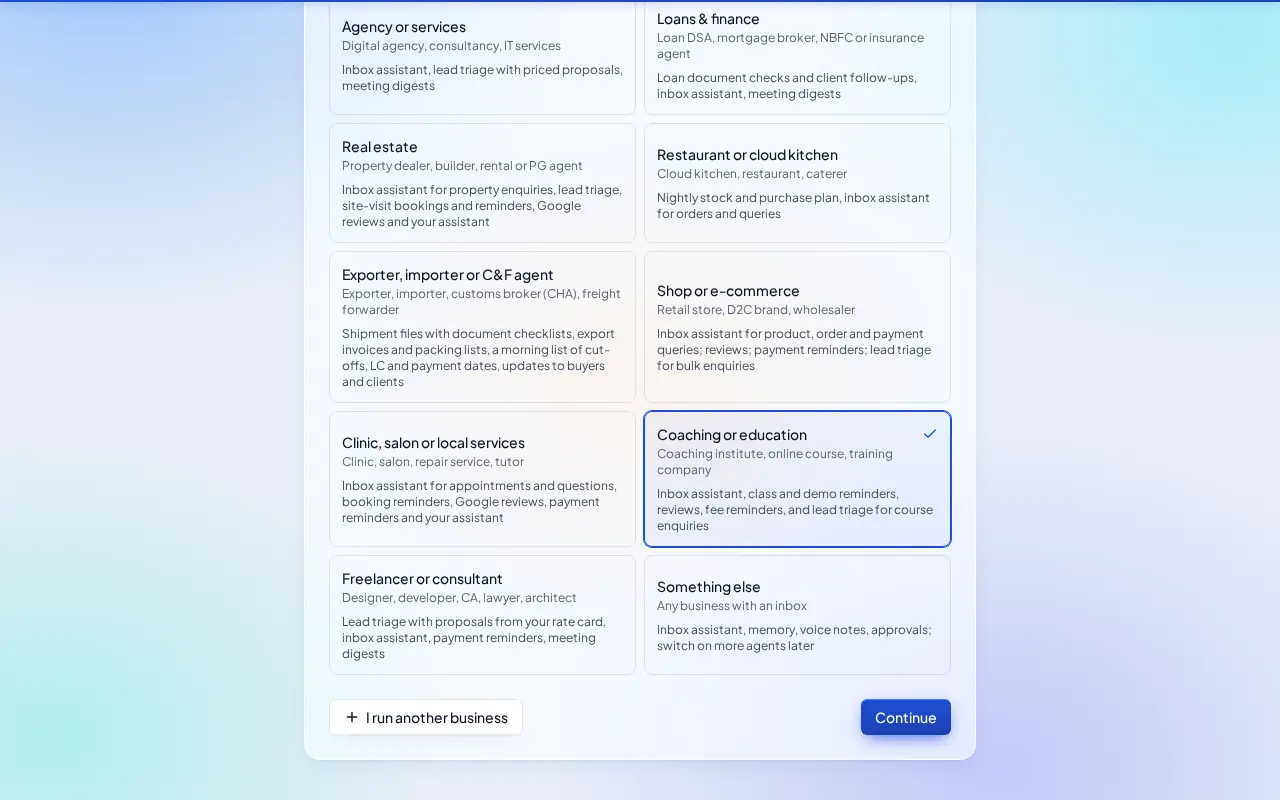
Pick this at sign-up
- Start your free trial at app.sitelytc.com (see Set up your business, step by step for sign-up).
- Type your business name.
- Pick the Coaching or education card and click Continue.
What switches on
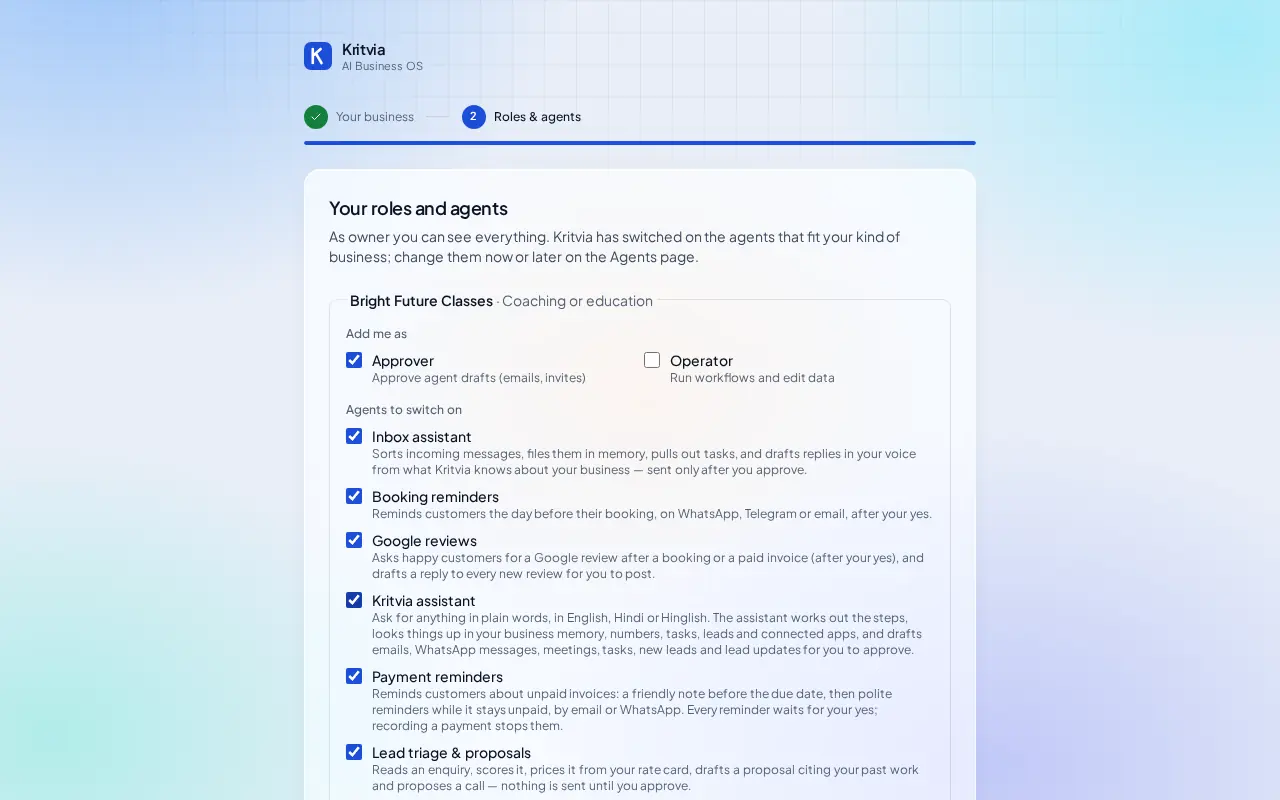
- Inbox assistant: answers questions about batches, timings and fees.
- Lead triage & proposals: course enquiries, mentioning batch timings and the free demo class.
- Booking reminders, Google reviews, Payment reminders (fees) and Kritvia assistant.
Then choose Autopilot (agents reply, remind and follow up by themselves; money, complaints and orders still come to you) or I'll approve everything, and click Finish setup.
Set up
- Rate card: your batches and fees, for example Class 10 Maths batch, per month, ₹3,500.
- Bookings → Hours & services: a Free demo class service and your class hours.
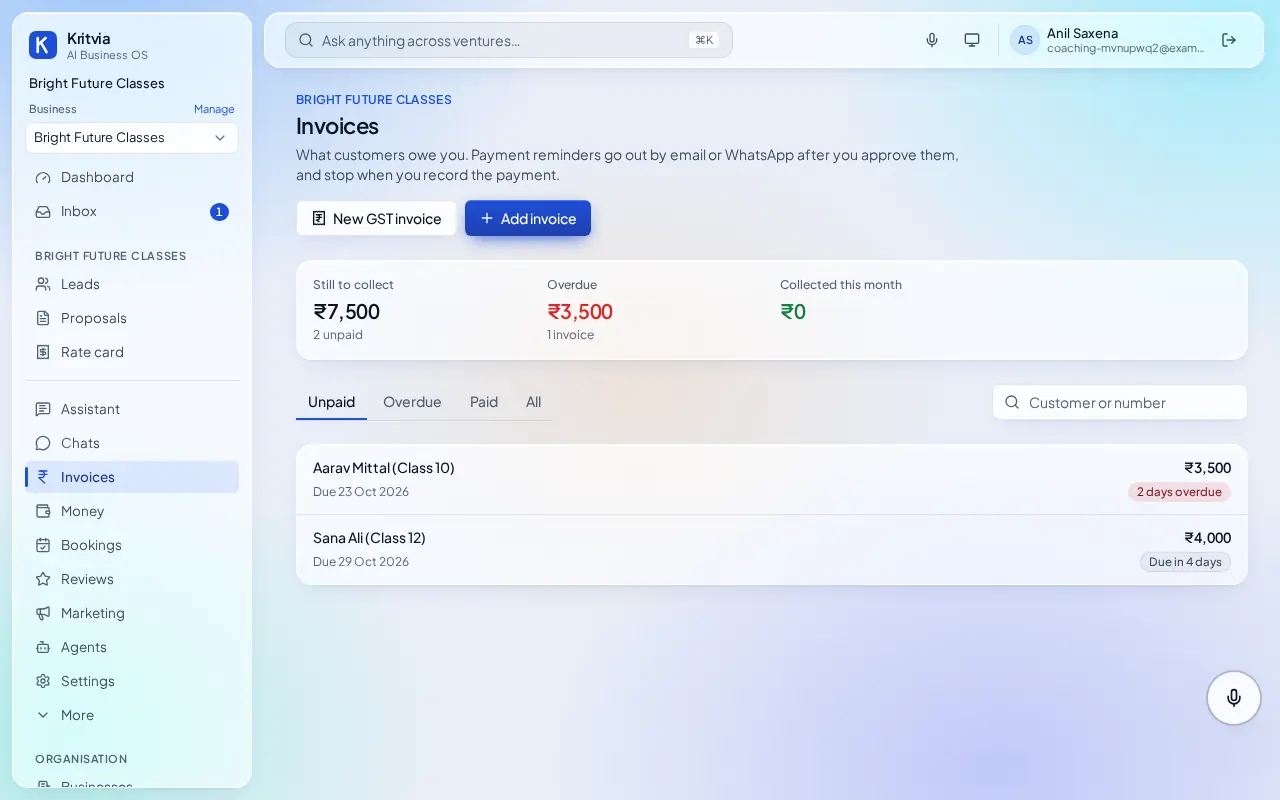
- Invoices: add each student's monthly fee with its due date.
- Getting paid (Settings → Connectors → Getting paid): enter your UPI ID so every invoice gets a payment page.
- Connect WhatsApp (Settings → Connectors → WhatsApp Business): log in with Facebook and pick your number; the WhatsApp Business app keeps working on your phone.
- Set up your phone and invite your team as in the general guide.
Every day
- Invoices shows fees due and overdue; reminders go to parents after your yes.
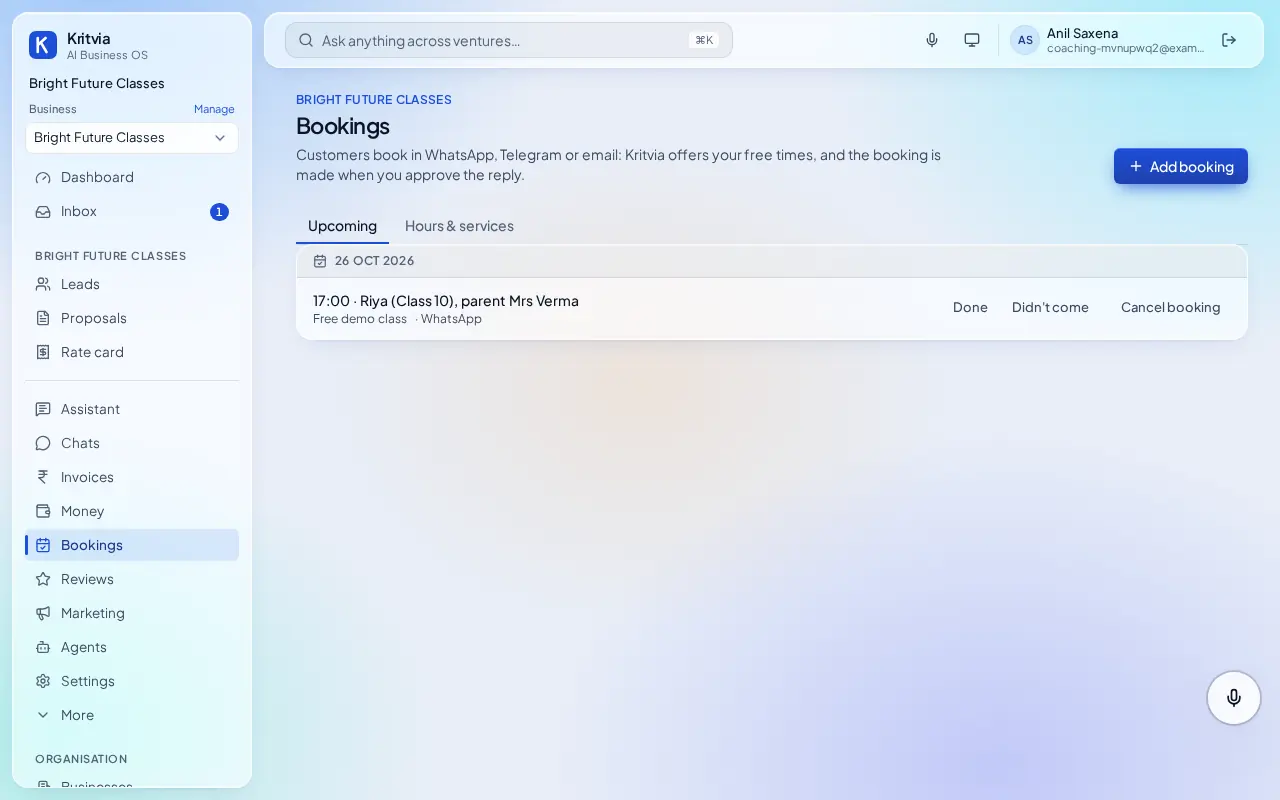
- Bookings lists demo classes; parents get a reminder the day before.
- Course enquiries under Leads, with a reply drafted.
Which plan you need
Enquiries, bookings and fee reminders on every plan; WhatsApp from Starter.
Next: Kritvia for freelancer