Kritvia for loan DSA or broker
Loan DSAs, mortgage brokers, NBFC and insurance agents
Each loan file is checked against your own document checklist, and the client gets a follow-up for exactly what's missing, after your yes.
Pick this at sign-up
- Start your free trial at app.sitelytc.com (see Set up your business, step by step for sign-up).
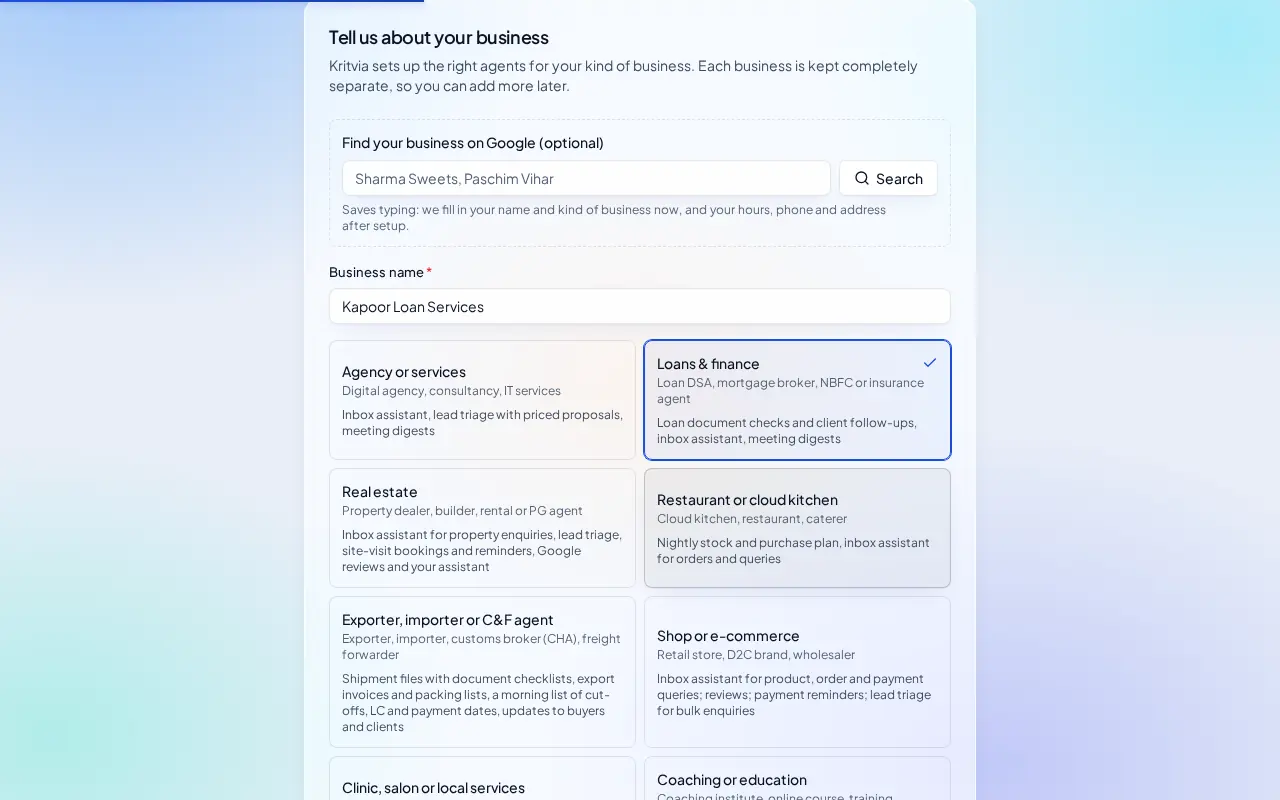
- Type your business name.
- Pick the Loans & finance card and click Continue.
What switches on
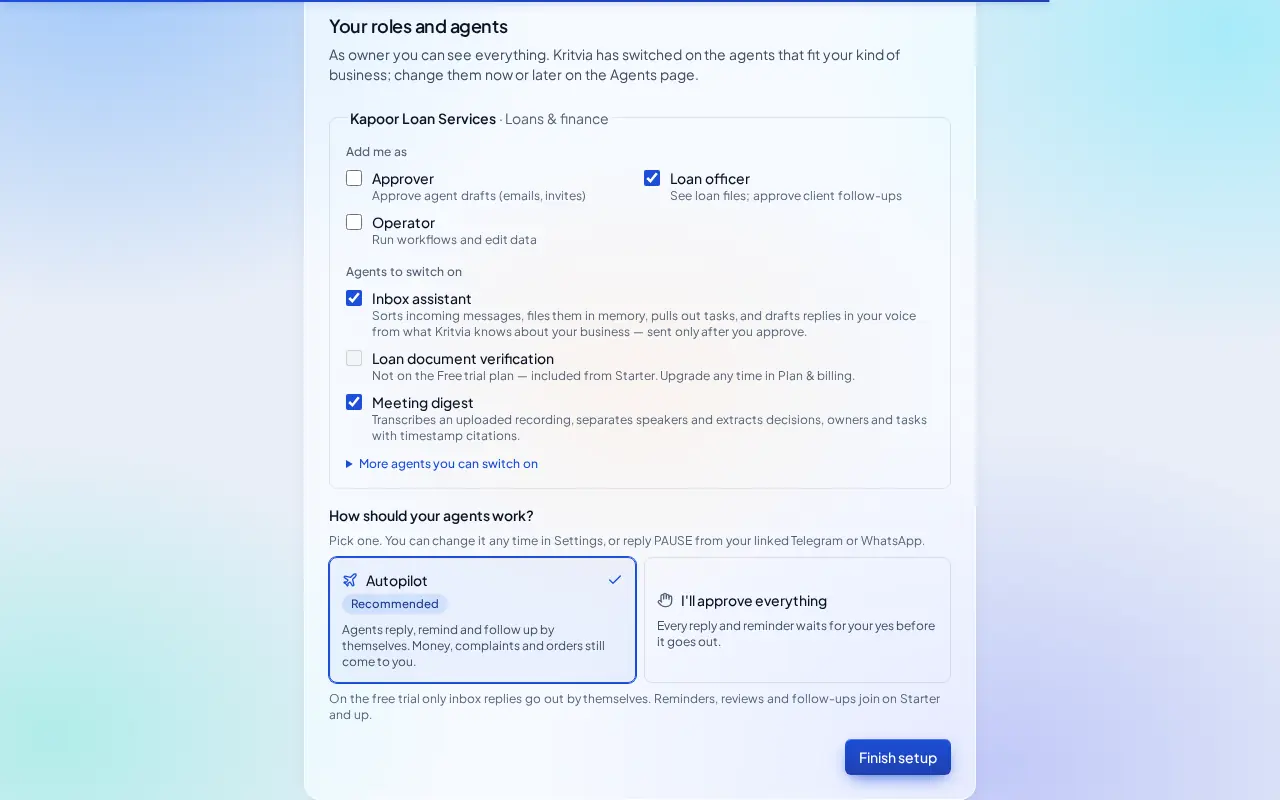
- Inbox assistant: answers clients' questions and files their documents.
- Loan document verification (from Starter): reads KYC, salary slips, bank statements and ITRs on Kritvia's own private model, checks them against your checklist and drafts a follow-up for what's missing.
- Meeting digest: notes from client calls.
Then choose Autopilot (agents reply, remind and follow up by themselves; money, complaints and orders still come to you) or I'll approve everything, and click Finish setup.
Set up
- At sign-up, keep Loan officer ticked under Add me as: loan files are visible only to loan officers.
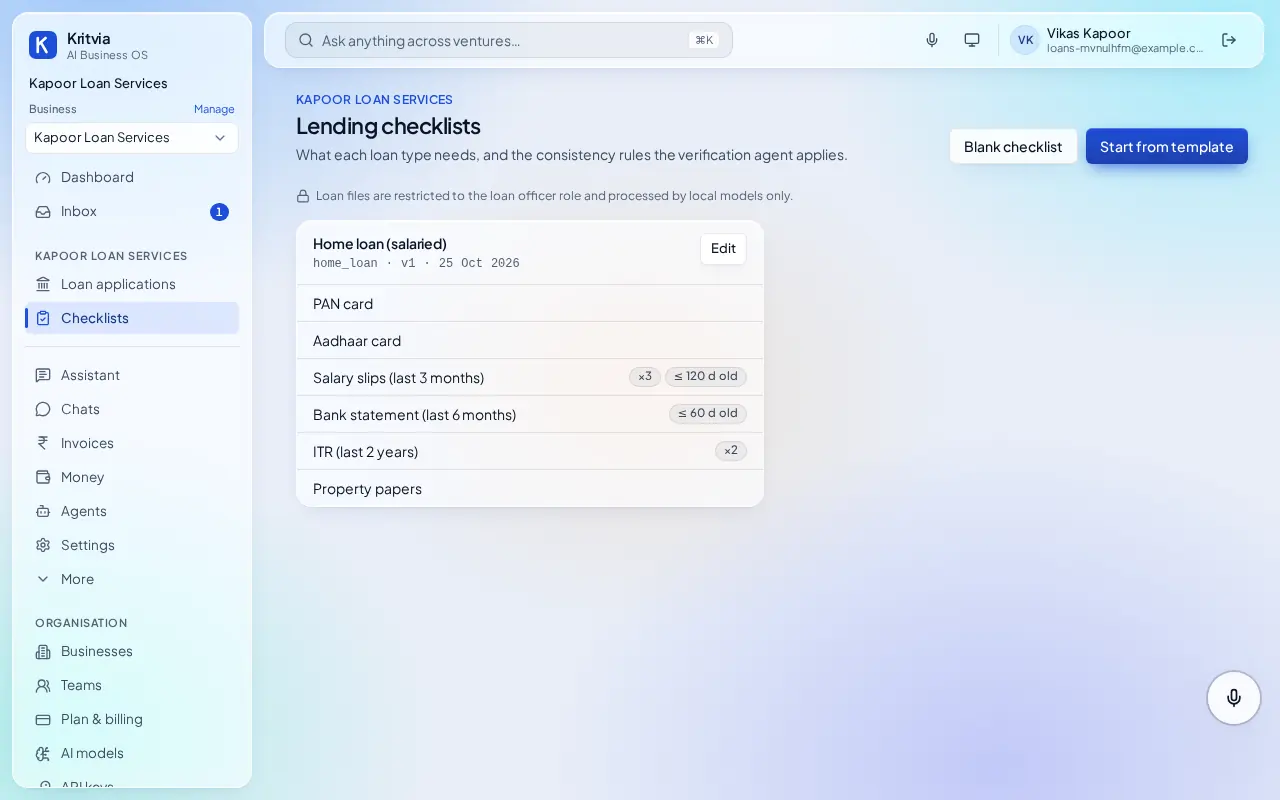
- Checklists → Start from template (or Blank checklist): for each loan type, list the documents you need, for example PAN, Aadhaar, salary slips (last 3 months), bank statement (last 6 months), ITR (2 years), property papers, and how recent each must be.
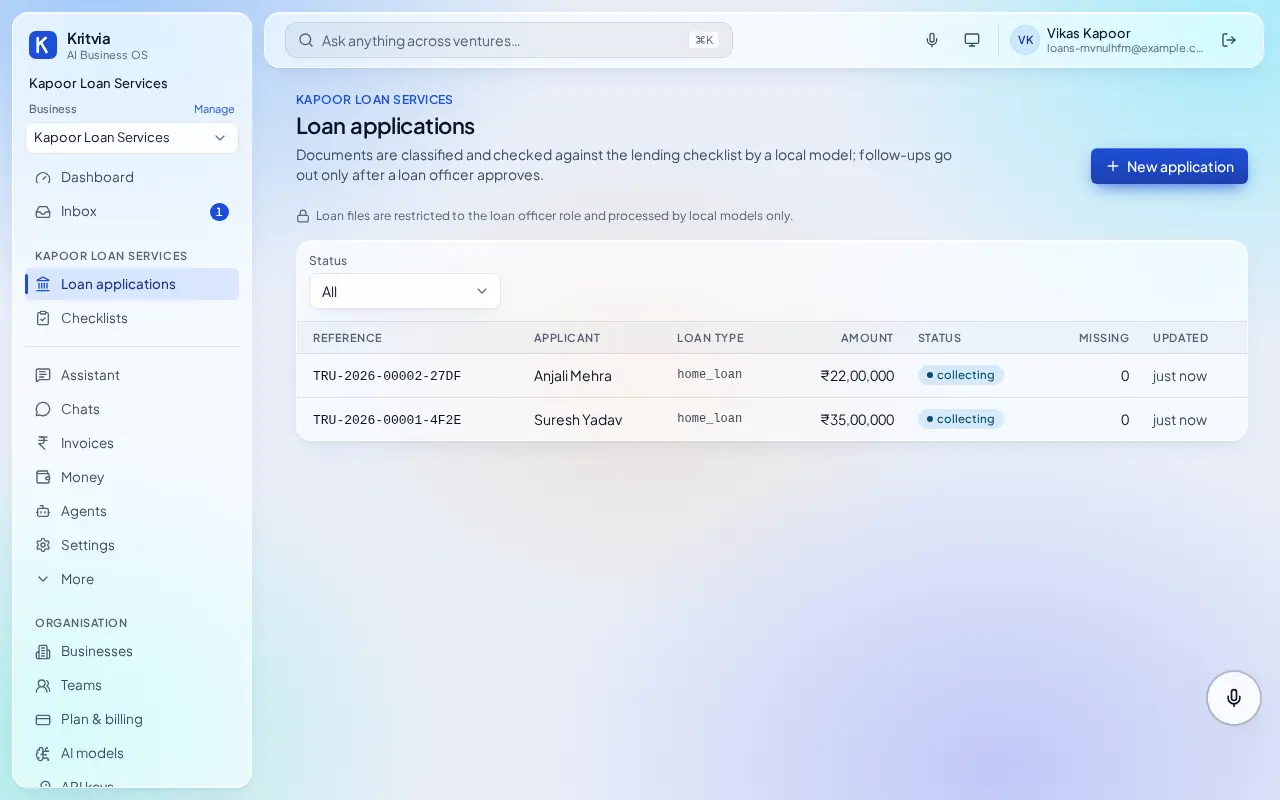
- Loan applications → New application: the applicant's name, loan type and amount, and how they gave consent.
- Send the client the upload link from the application so they add their documents themselves, or upload them for the client.
- Connect WhatsApp (Settings → Connectors → WhatsApp Business): log in with Facebook and pick your number; the WhatsApp Business app keeps working on your phone.
- Set up your phone and invite your team as in the general guide.
Every day
- Loan applications shows each file's status and how many documents are missing.
- When a document arrives, it is checked against the checklist; a follow-up for what's still missing waits for your yes.
- Ask the assistant which files are waiting for documents? from the app or your phone.
Which plan you need
Document verification needs Starter or above. The inbox assistant and checklists work on the trial.
Good to know
- Loan documents stay on Kritvia's own server in India and are never sent to hosted AI models.
Next: Kritvia for real estate