Kritvia for lawyer
Advocates, law chambers, legal consultants
Clients book consultations in the chat and get a reminder the day before, and fees get polite reminders. Replies never give legal advice: they offer a consultation.
Pick this at sign-up
- Start your free trial at app.sitelytc.com (see Set up your business, step by step for sign-up).
- Type your business name.
- Pick the Freelancer or consultant card and click Continue.
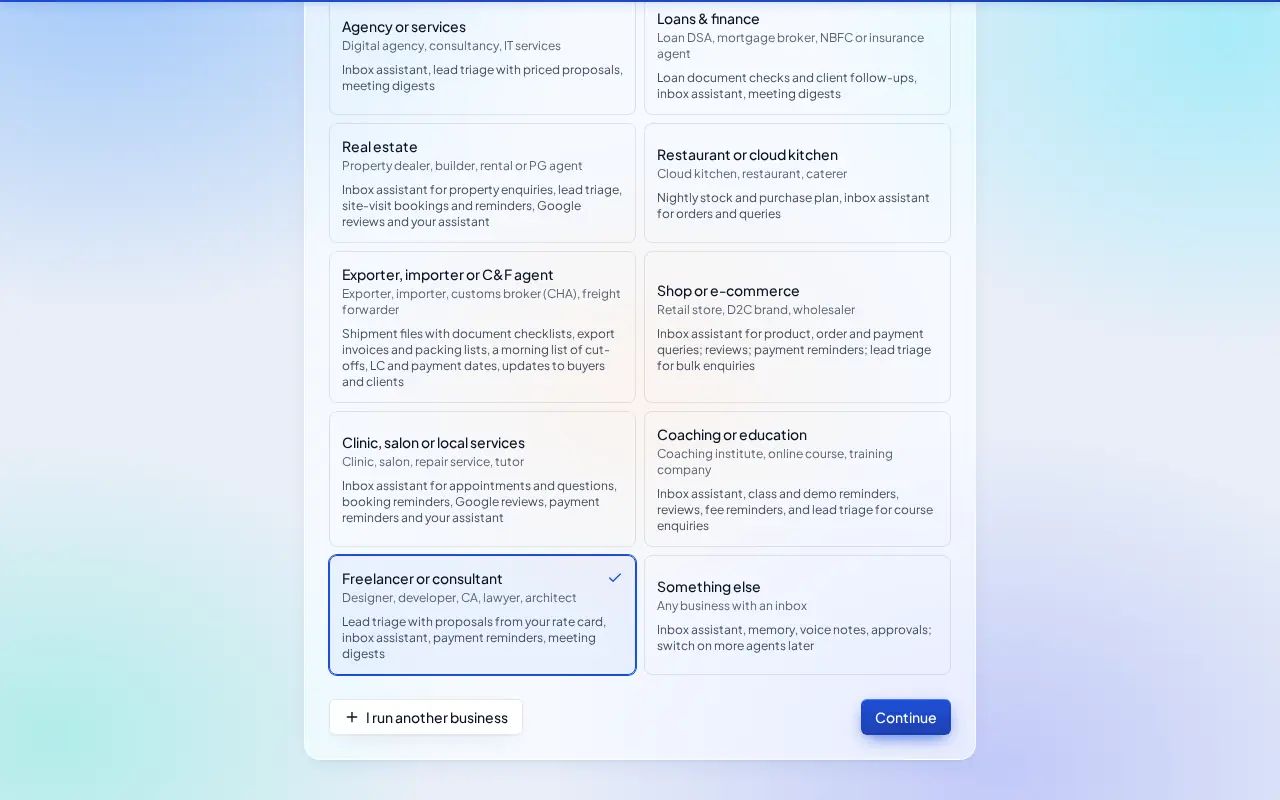
What switches on
- Inbox assistant, Lead triage & proposals, Payment reminders and Meeting digest. Switch on Booking reminders under Agents for consultations.
Then choose Autopilot (agents reply, remind and follow up by themselves; money, complaints and orders still come to you) or I'll approve everything, and click Finish setup.
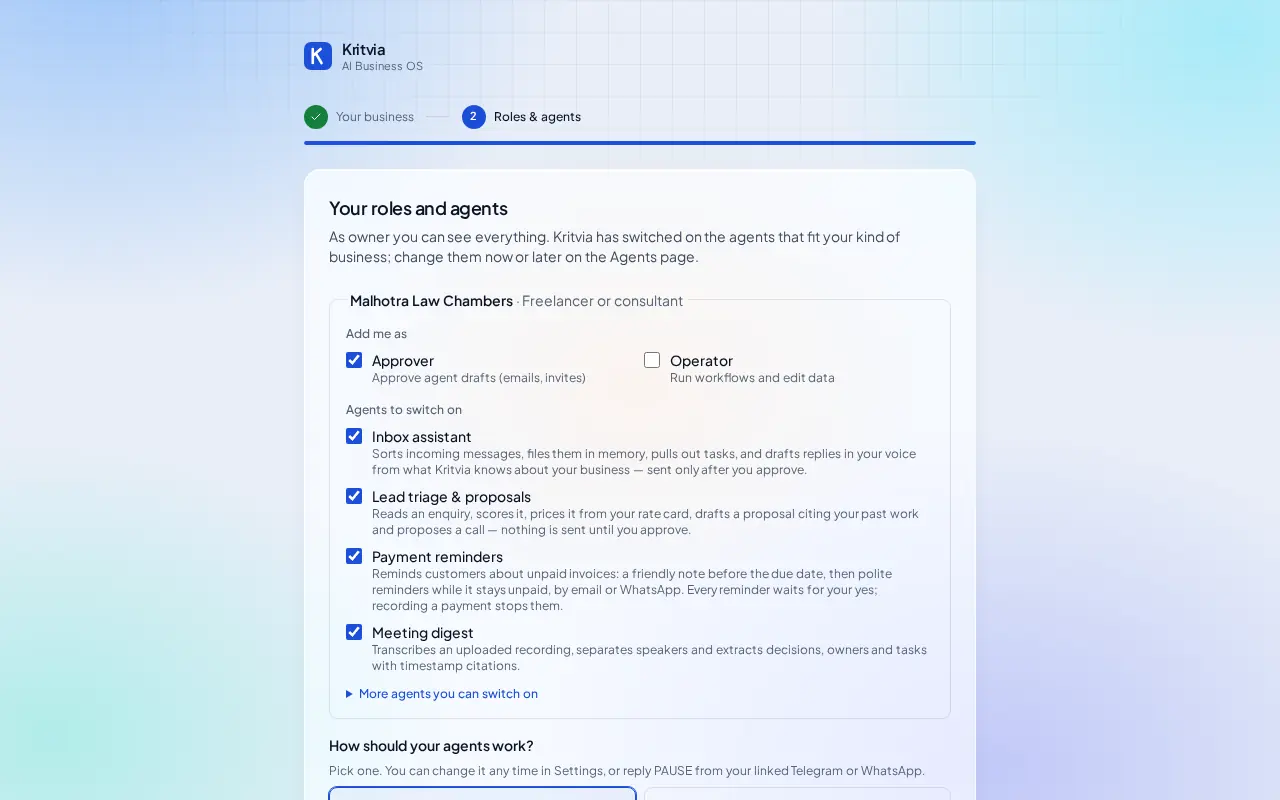
Set up
- Agents → Inbox assistant → Instructions: write Never give legal advice in a reply; offer a consultation.
- Bookings → Hours & services: a Consultation service with its length and fee.
- Rate card: your fees, for example Legal notice drafting, Rent agreement.
- Getting paid (Settings → Connectors → Getting paid): enter your UPI ID so every invoice gets a payment page.
- Set up your phone and invite your team as in the general guide.
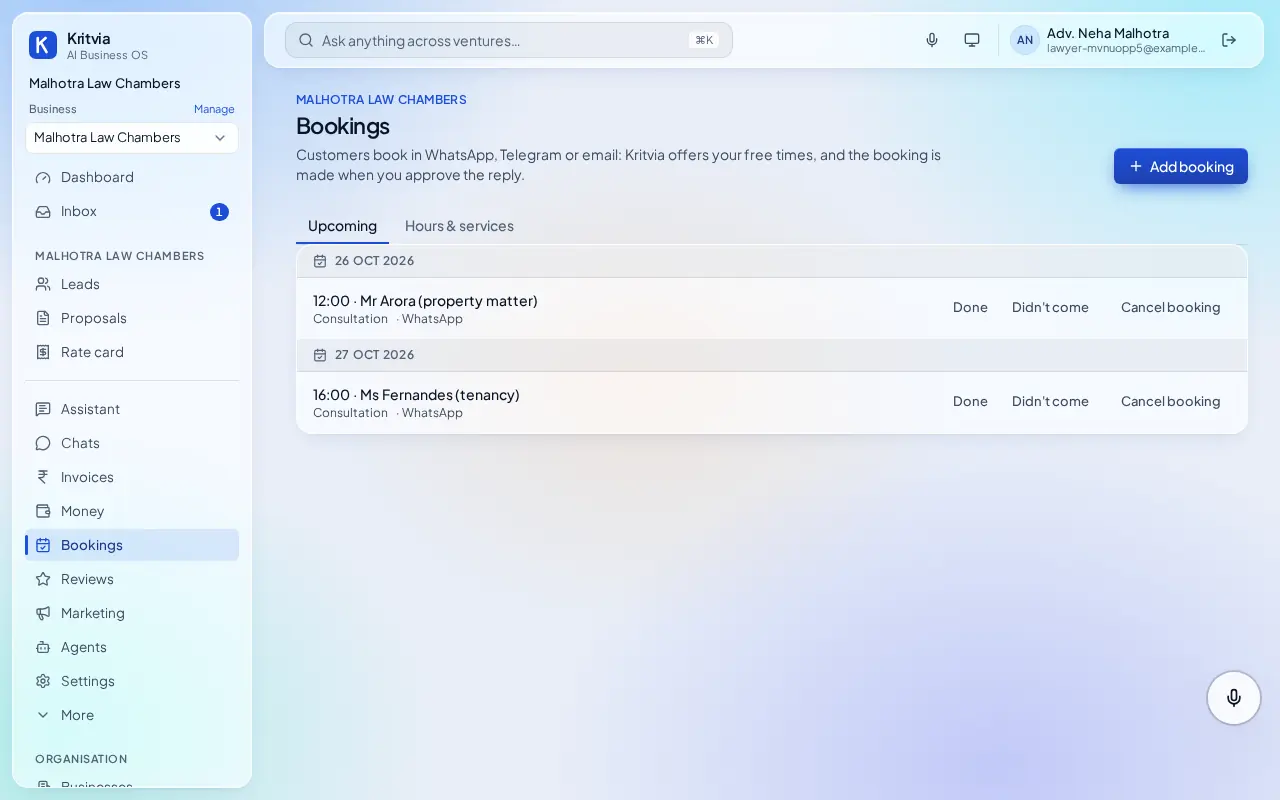
Every day
- Bookings lists consultations; clients get a reminder the day before.
- Fees due under Invoices, with reminders after your yes.
- Notes from client meetings under Meetings.
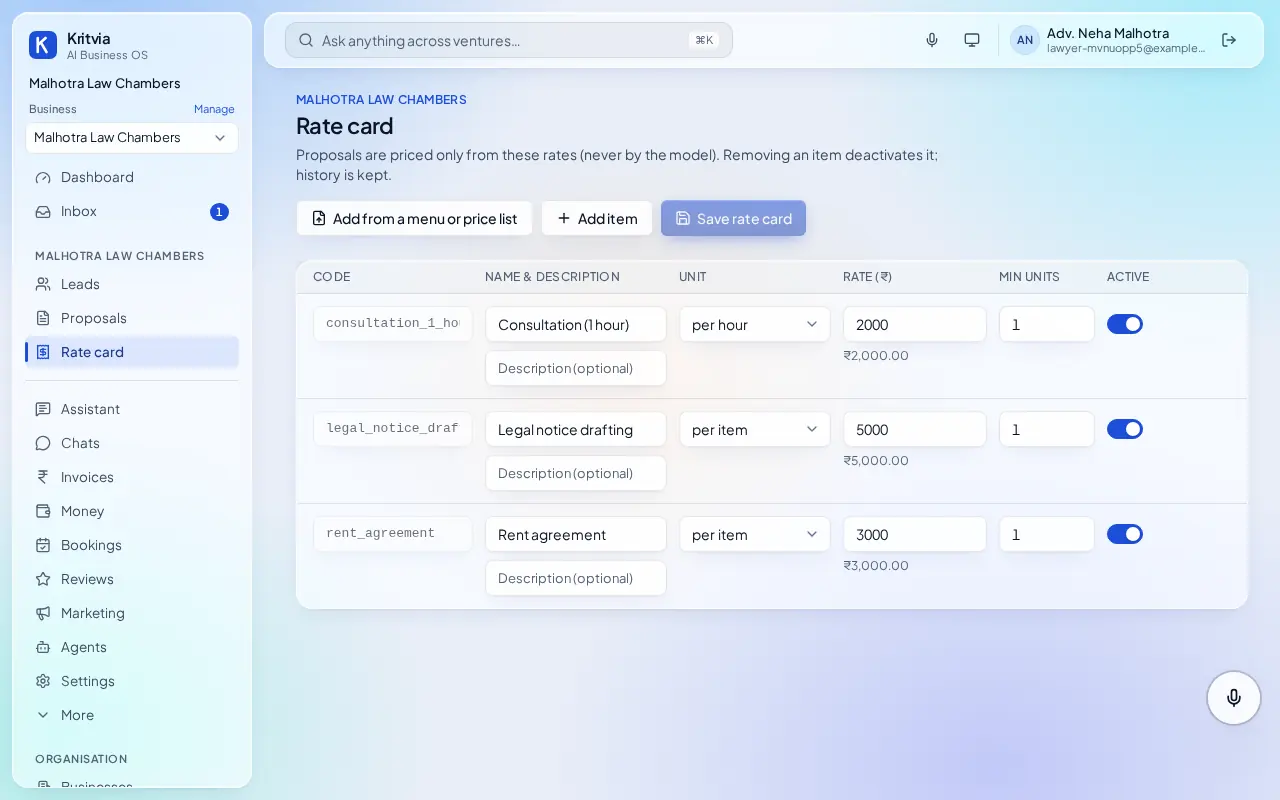
Which plan you need
Everything here works on the trial; Starter adds WhatsApp.
Good to know
- Bar Council of India rules restrict advocates from advertising: keep the Prospector, campaigns and social posts switched off.