Kritvia for other professional consultants
HR, management and business consultants, architects, interior designers
Enquiries are scored and turned into priced proposals from your fee card, and meeting notes and follow-ups are drafted for you.
Pick this at sign-up
- Start your free trial at app.sitelytc.com (see Set up your business, step by step for sign-up).
- Type your business name.
- Pick the Freelancer or consultant card and click Continue.
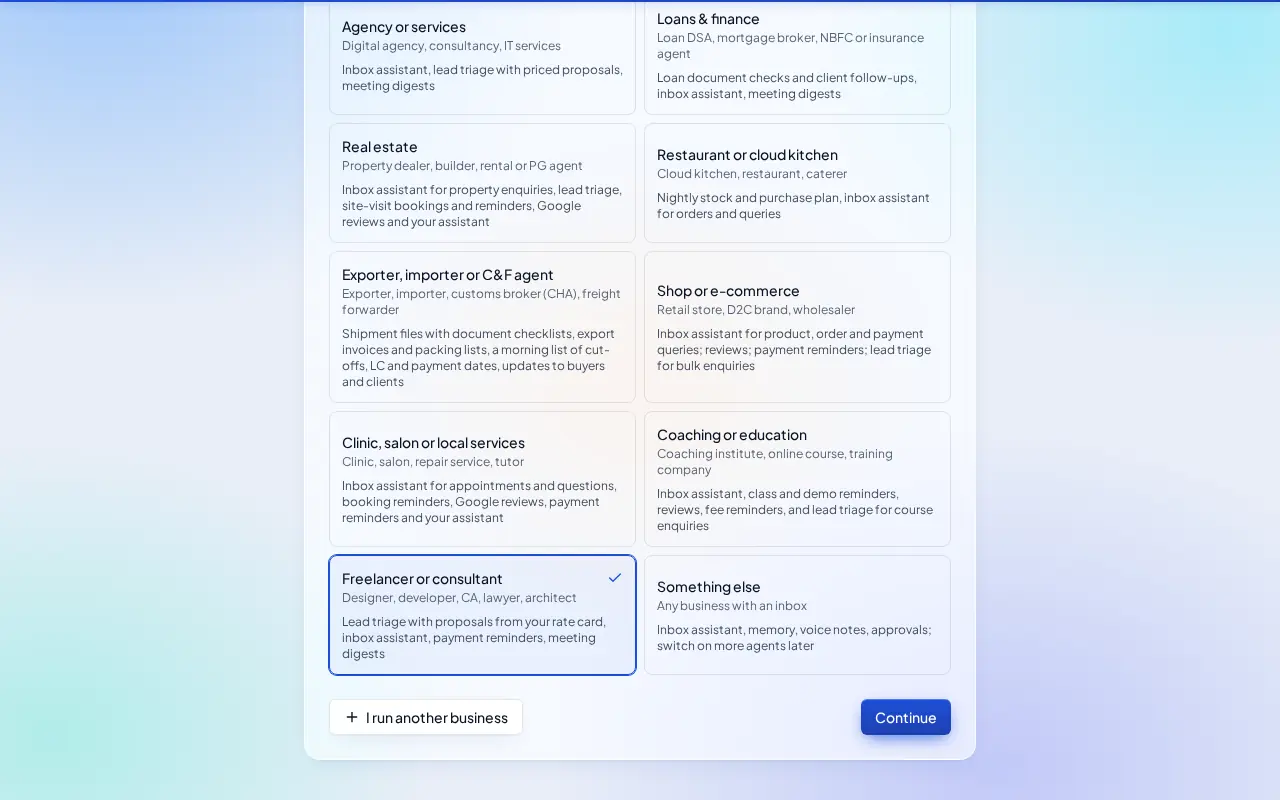
What switches on
- Inbox assistant, Lead triage & proposals, Payment reminders and Meeting digest.
Then choose Autopilot (agents reply, remind and follow up by themselves; money, complaints and orders still come to you) or I'll approve everything, and click Finish setup.
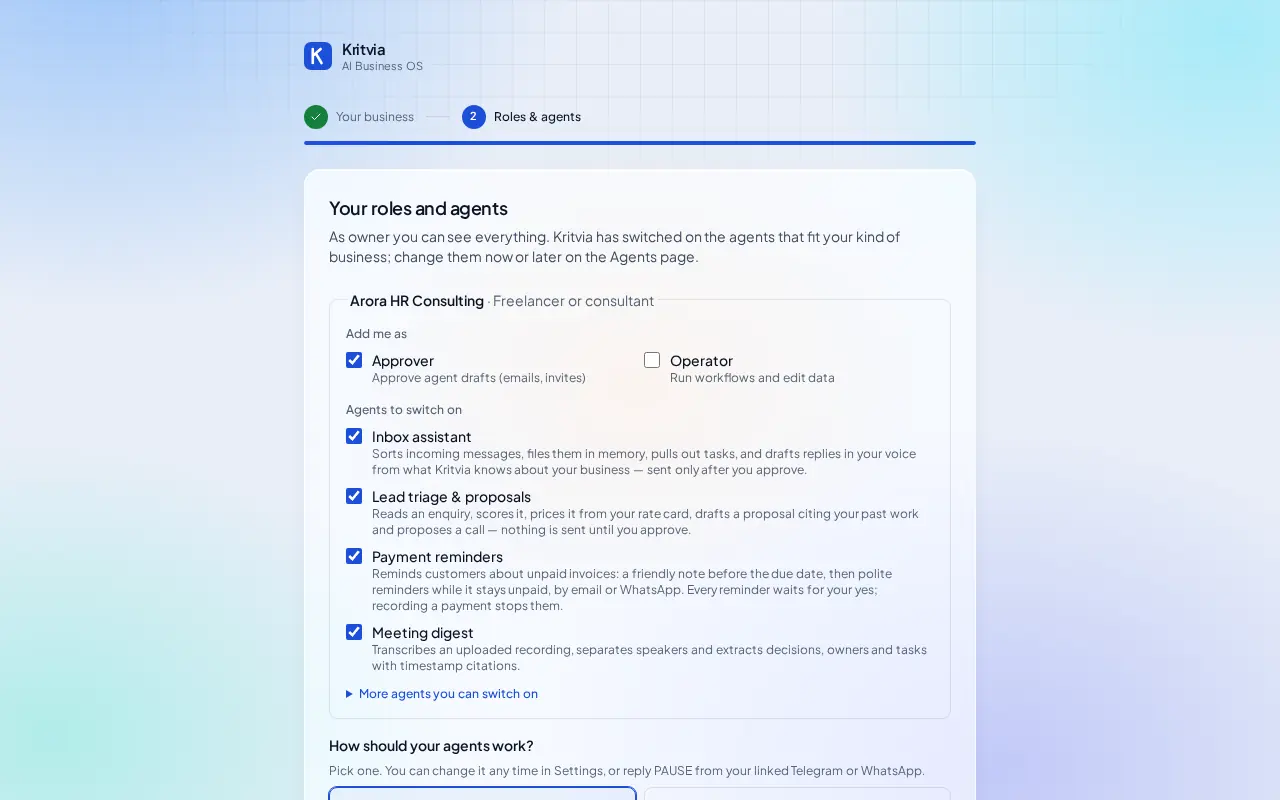
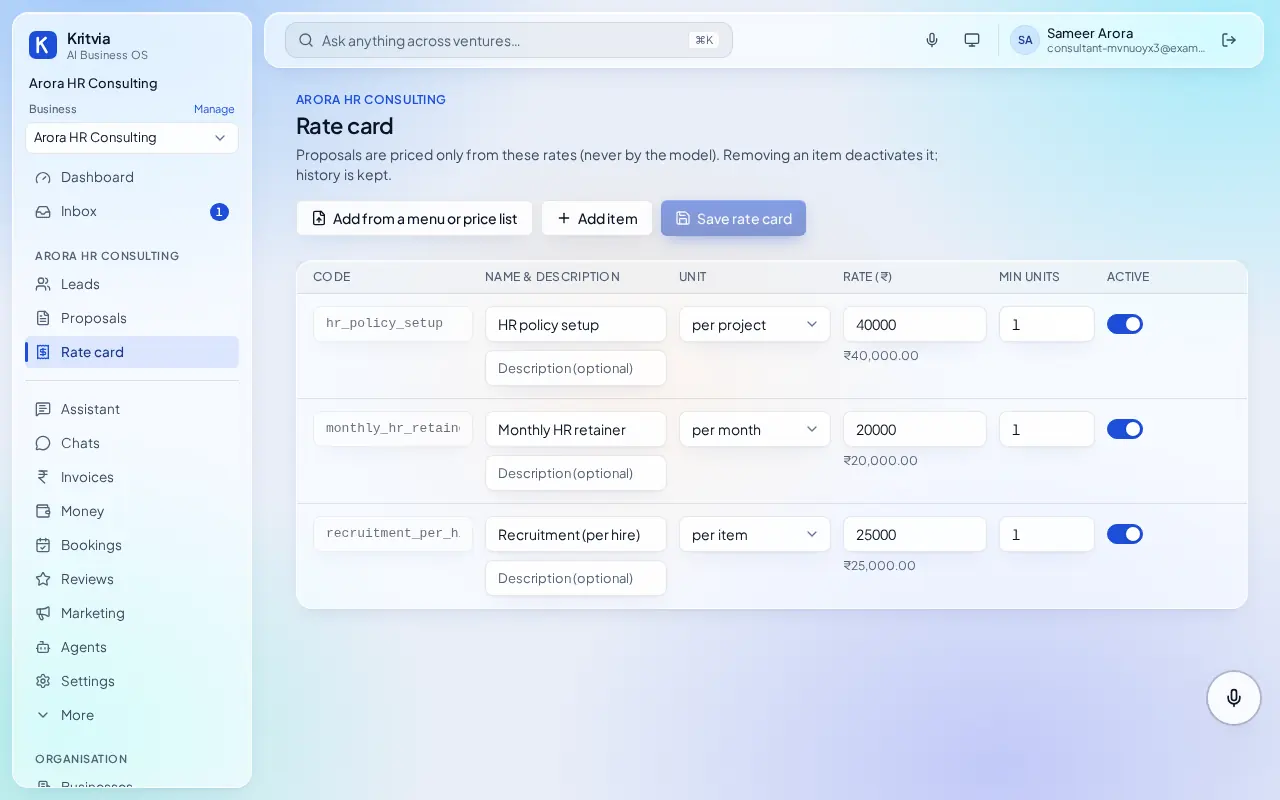
Set up
- Rate card: your services, for example HR policy setup, per project; Monthly retainer, per month.
- Connect Gmail and, if you have one, your website's contact form (Settings → Connectors → Create webhook).
- Knowledge: a past proposal, your company profile and case studies.
- Getting paid (Settings → Connectors → Getting paid): enter your UPI ID so every invoice gets a payment page.
- Set up your phone and invite your team as in the general guide.
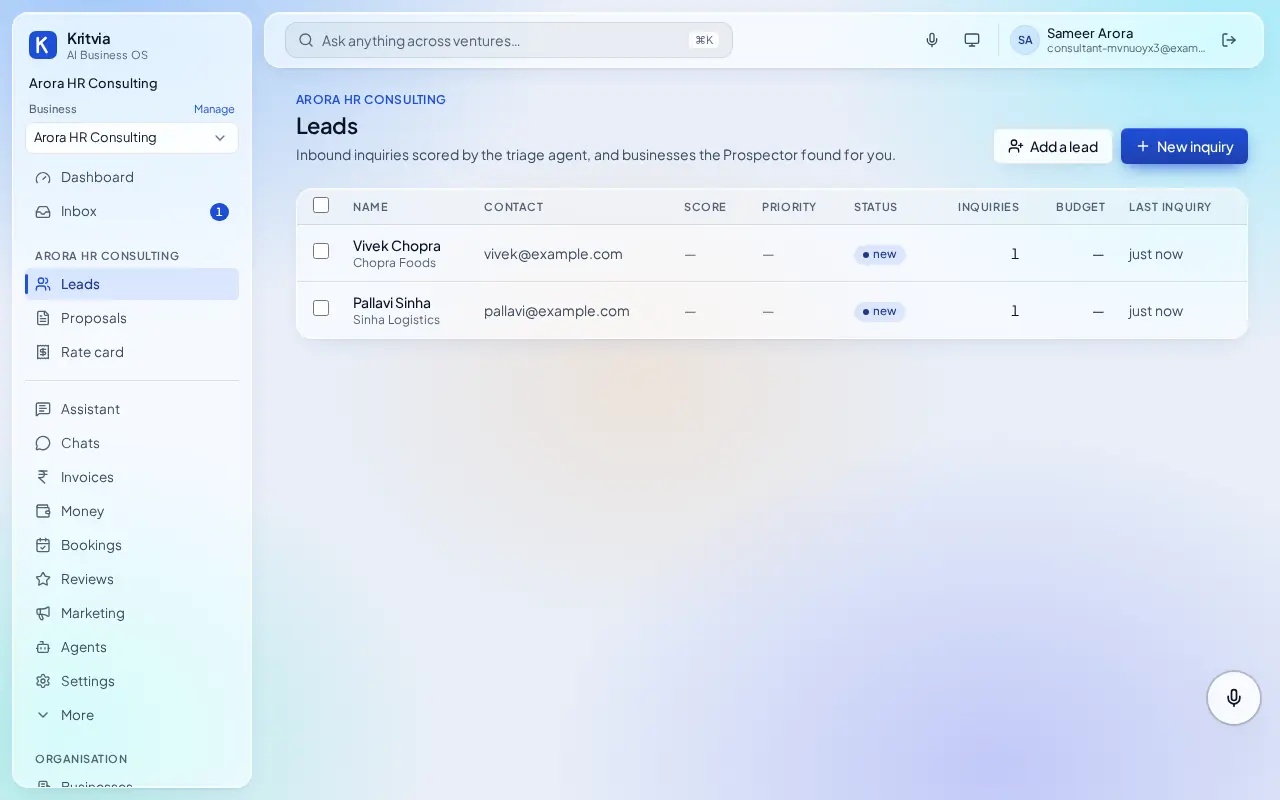
Every day
- Enquiries under Leads with a proposal in Inbox.
- Meeting notes, decisions and tasks from Meetings.
- Retainer invoices and reminders under Invoices.
Which plan you need
Everything here works on the trial; Starter adds WhatsApp; Growth adds the Prospector.