Kritvia for e-commerce store
Online stores, D2C brands, Instagram and website sellers
Order, delivery and return questions get answered quickly in your voice, bulk and wholesale enquiries are priced from your rate card, and campaigns reach only customers who agreed to hear from you.
Pick this at sign-up
- Start your free trial at app.sitelytc.com (see Set up your business, step by step for sign-up).
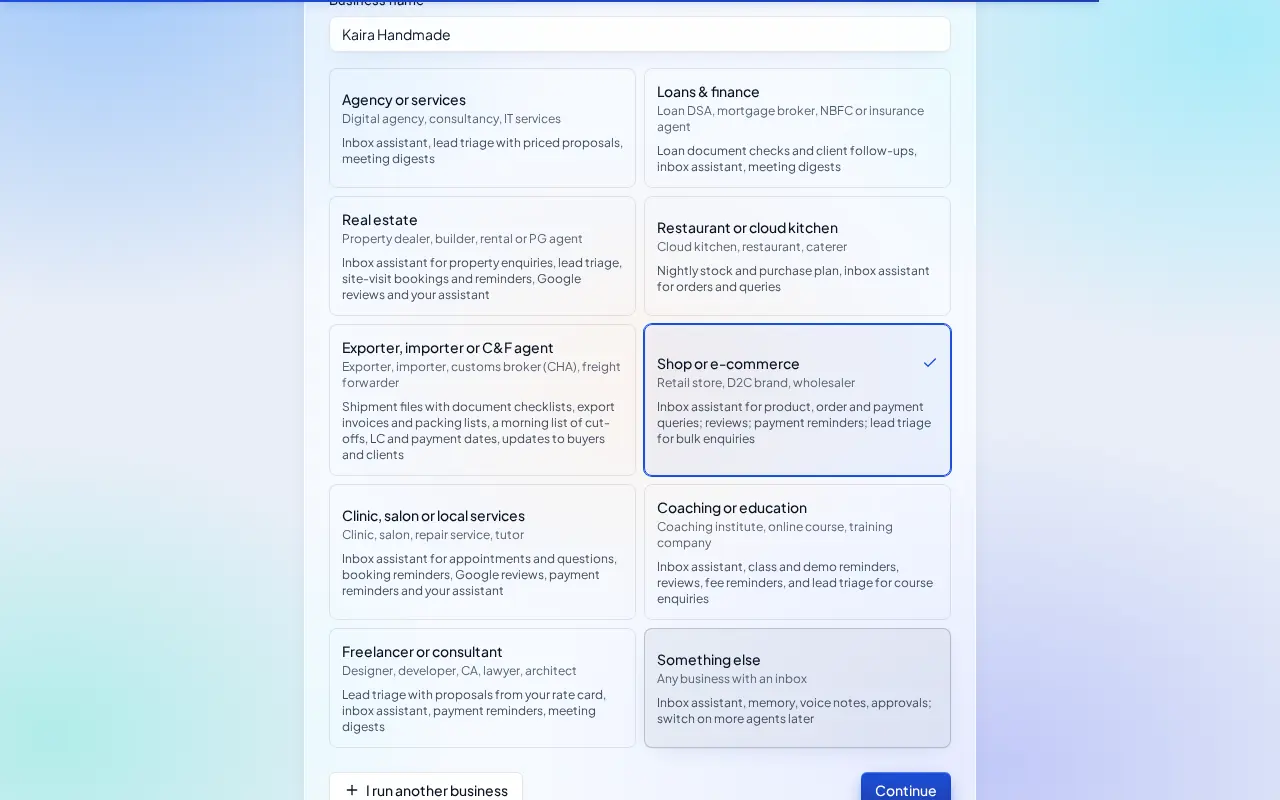
- Type your business name.
- Pick the Shop or e-commerce card and click Continue.
What switches on
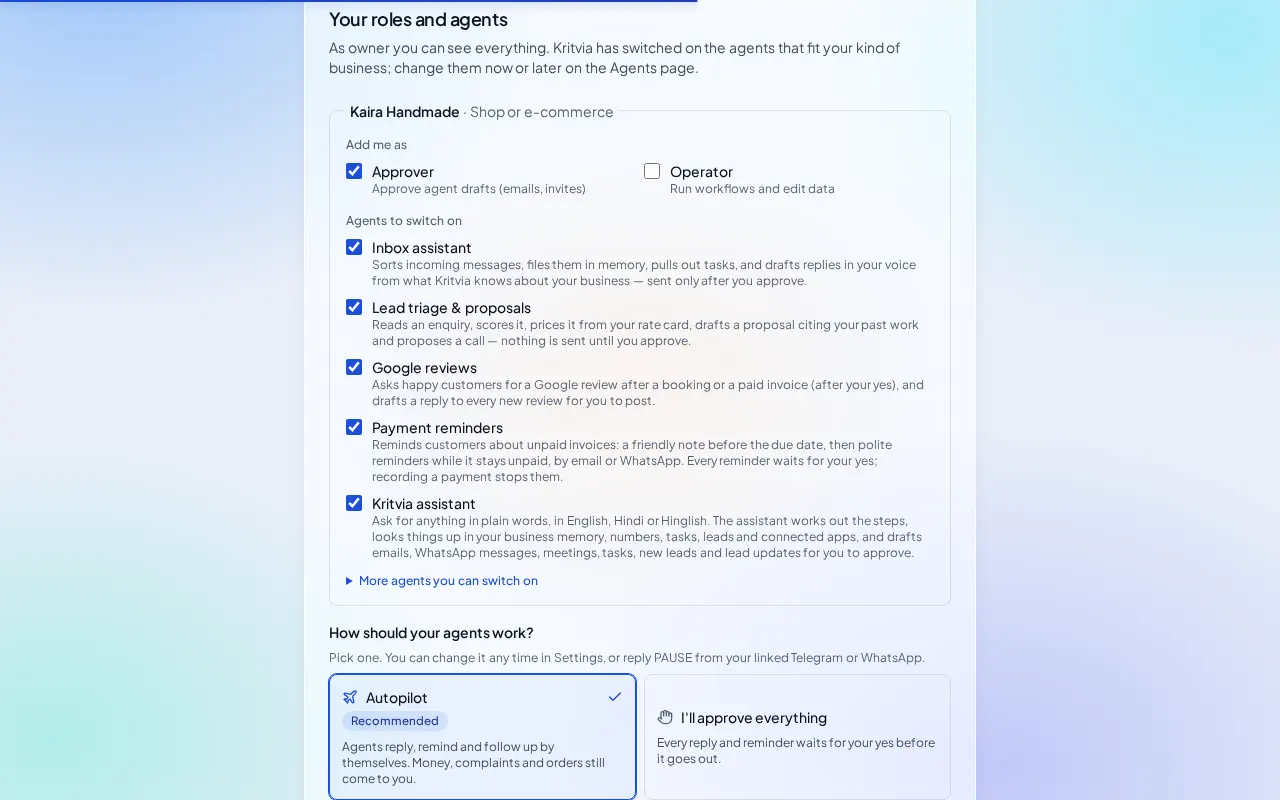
- Inbox assistant: answers product, delivery and return questions and asks for the order number on order queries. It never promises a refund.
- Lead triage & proposals: prices bulk, corporate-gifting and wholesale enquiries.
- Google reviews, Payment reminders and Kritvia assistant.
Then choose Autopilot (agents reply, remind and follow up by themselves; money, complaints and orders still come to you) or I'll approve everything, and click Finish setup.
Set up
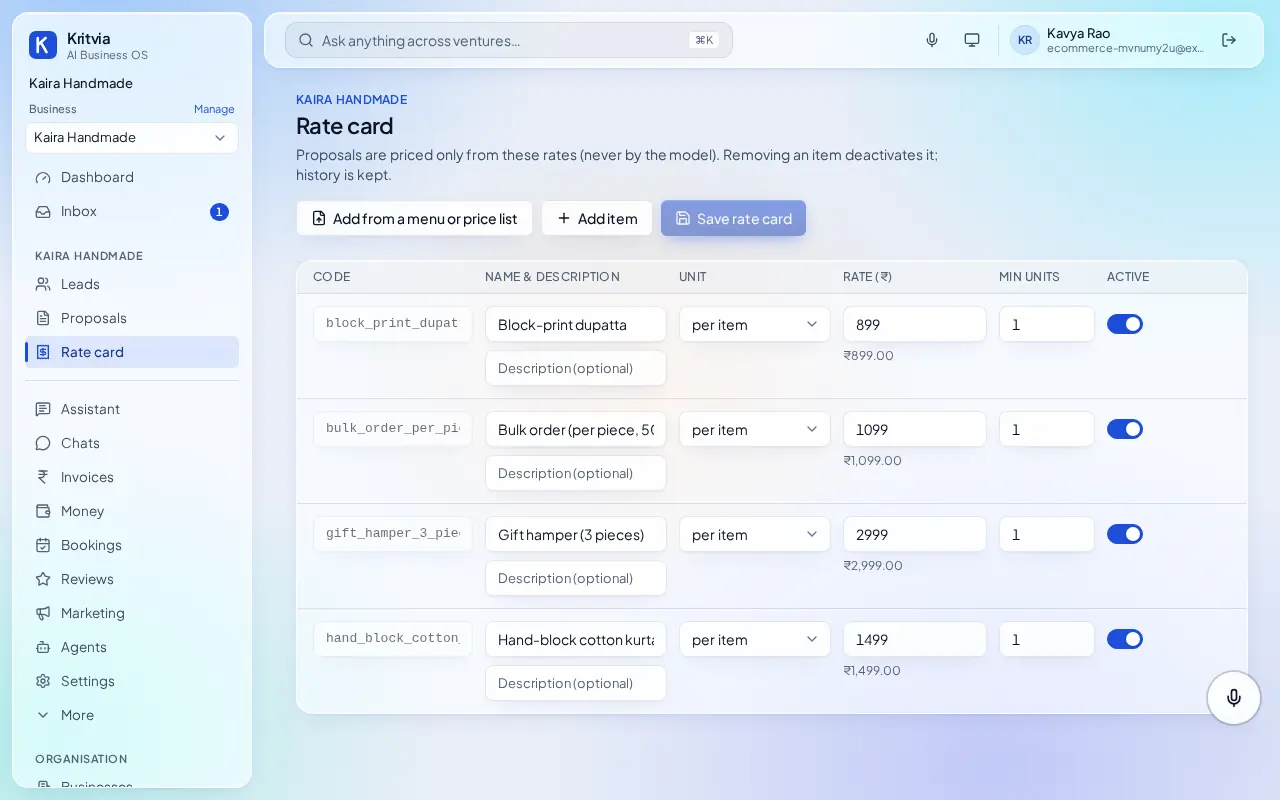
- Rate card: your products and bulk prices.
- Connect WhatsApp (Settings → Connectors → WhatsApp Business): log in with Facebook and pick your number; the WhatsApp Business app keeps working on your phone.
- Your website's contact form: Settings → Connectors → Create webhook; send form submissions to it through Zapier or Make if your store builder can't.
- Knowledge: upload your shipping, return and refund policy so answers quote it.
- Set up your phone and invite your team as in the general guide.
Every day
- Customer chats under Chats, drafts waiting in Inbox.
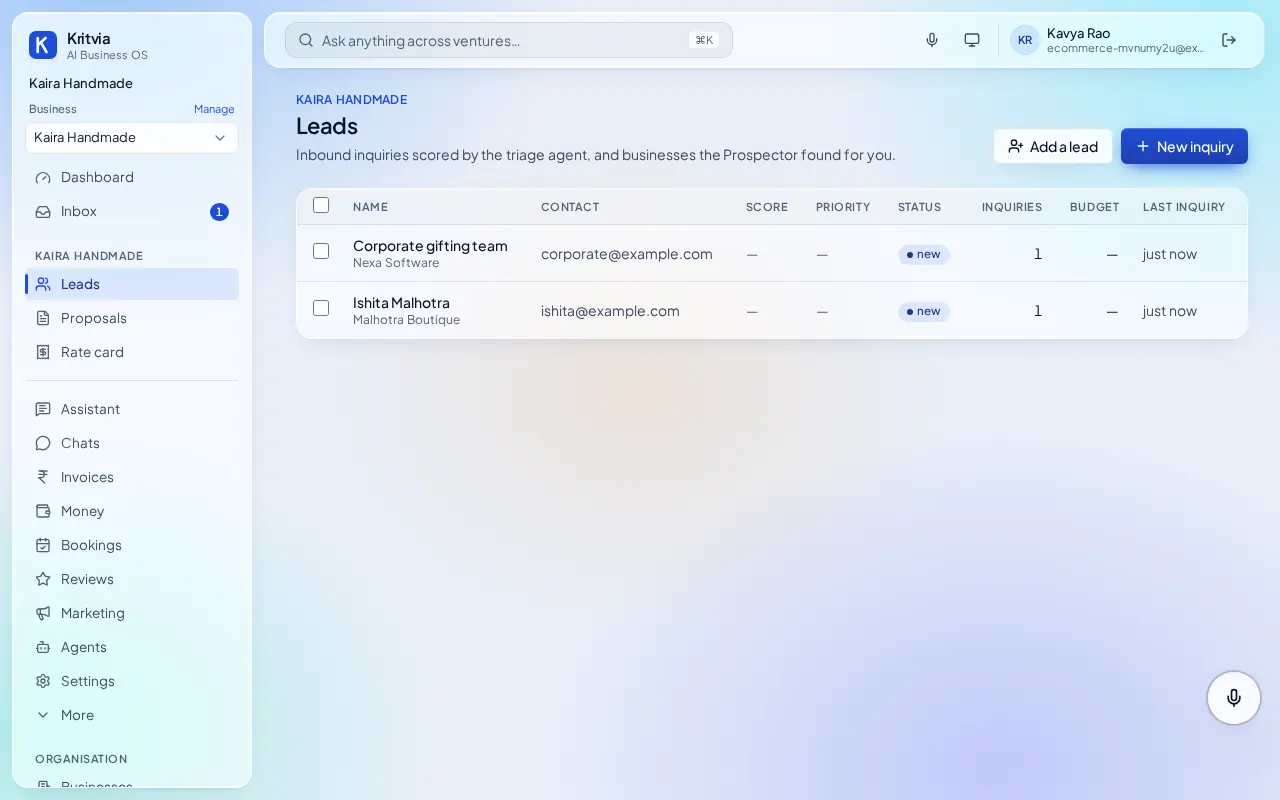
- Bulk enquiries under Leads with a priced quote drafted.
- Marketing: posts on your chosen days and campaigns to opted-in customers, after your yes.
Which plan you need
Email, website form and reviews on every plan; WhatsApp from Starter.
Next: Kritvia for clinic