Kritvia for c&F agent, CHA or freight forwarder
Customs brokers (CHA), clearing and forwarding agents, freight forwarders
Each client's consignment gets its own file with the customs stage, your fee and reimbursable charges, and clients get status updates after your yes.
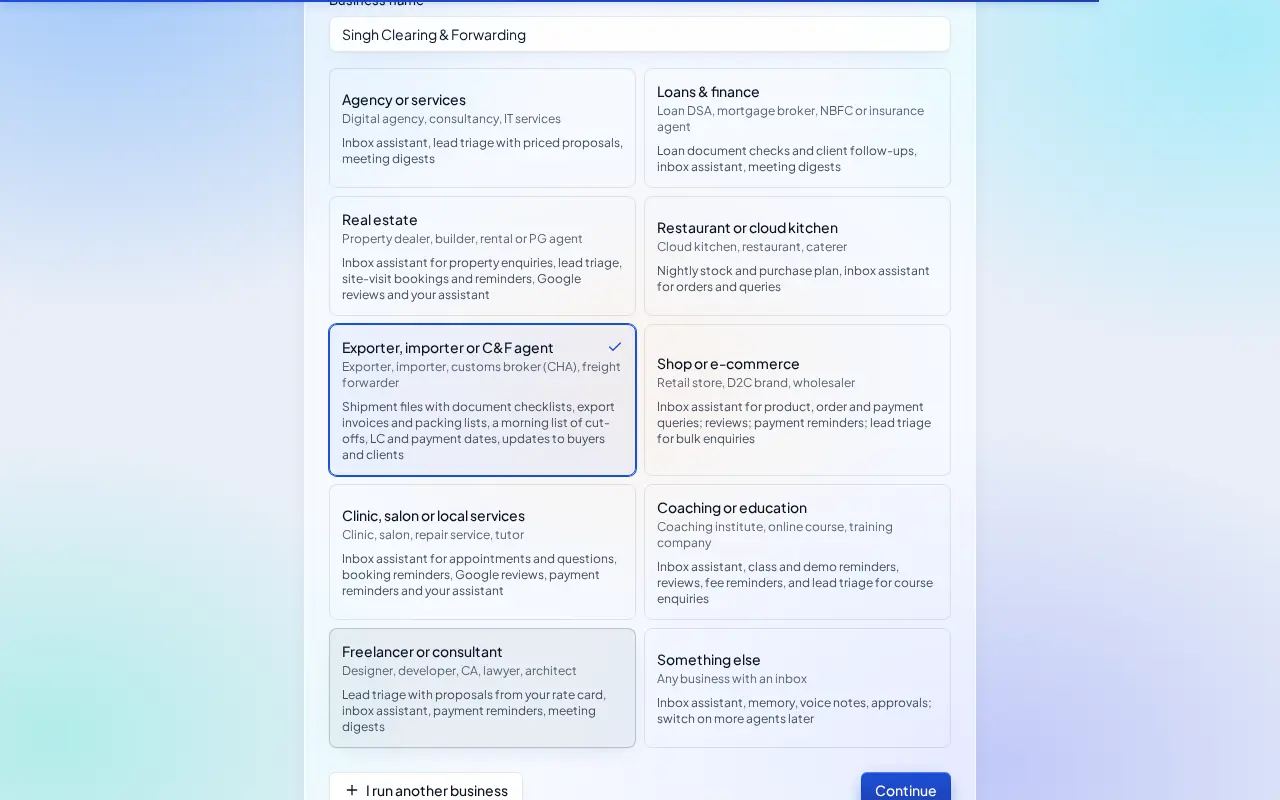
Pick this at sign-up
- Start your free trial at app.sitelytc.com (see Set up your business, step by step for sign-up).
- Type your business name.
- Pick the Exporter, importer or C&F agent card and click Continue.
What switches on
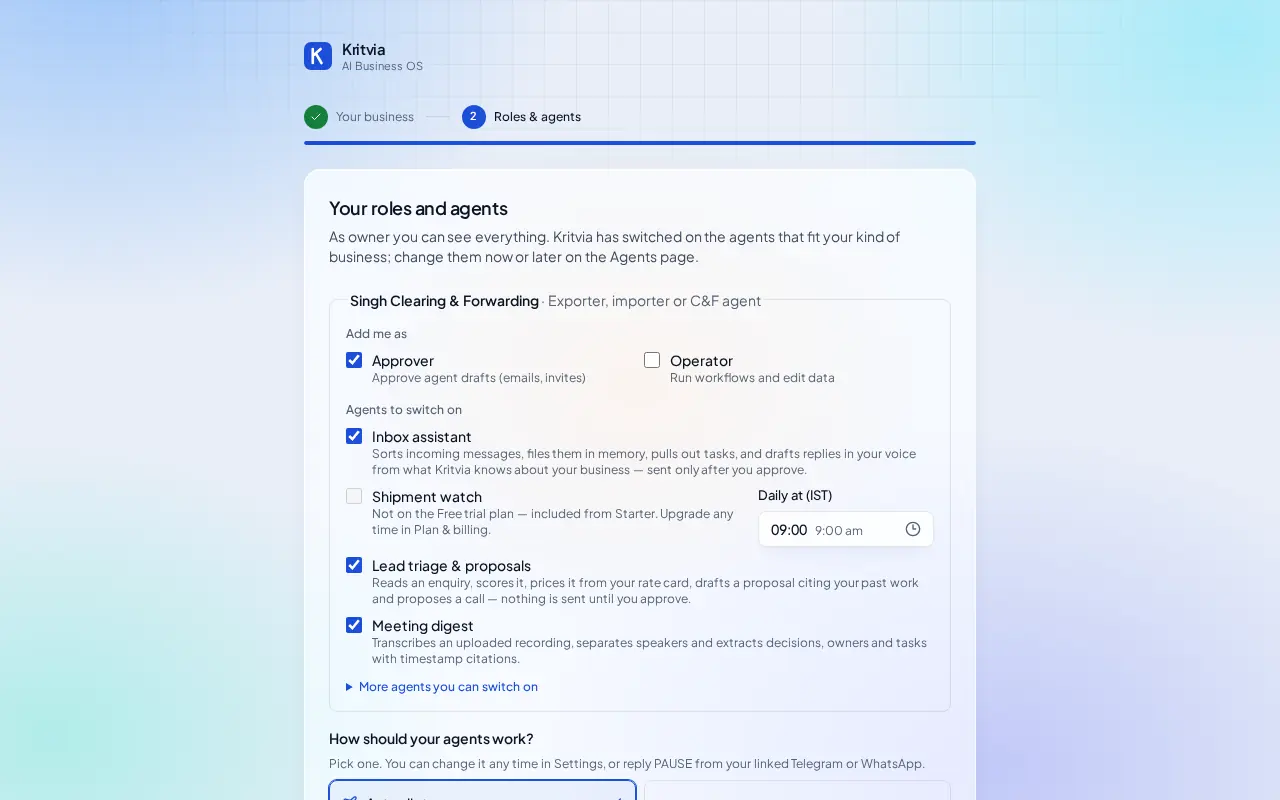
- Inbox assistant: answers clients and asks for the file, BL or container number on shipment questions. It never promises a clearance date the team hasn't confirmed.
- Shipment watch (from Starter): a morning list of cut-offs and goods waiting at port.
- Lead triage & proposals: quotes new clients from your rate card.
- Meeting digest.
Then choose Autopilot (agents reply, remind and follow up by themselves; money, complaints and orders still come to you) or I'll approve everything, and click Finish setup.
Set up
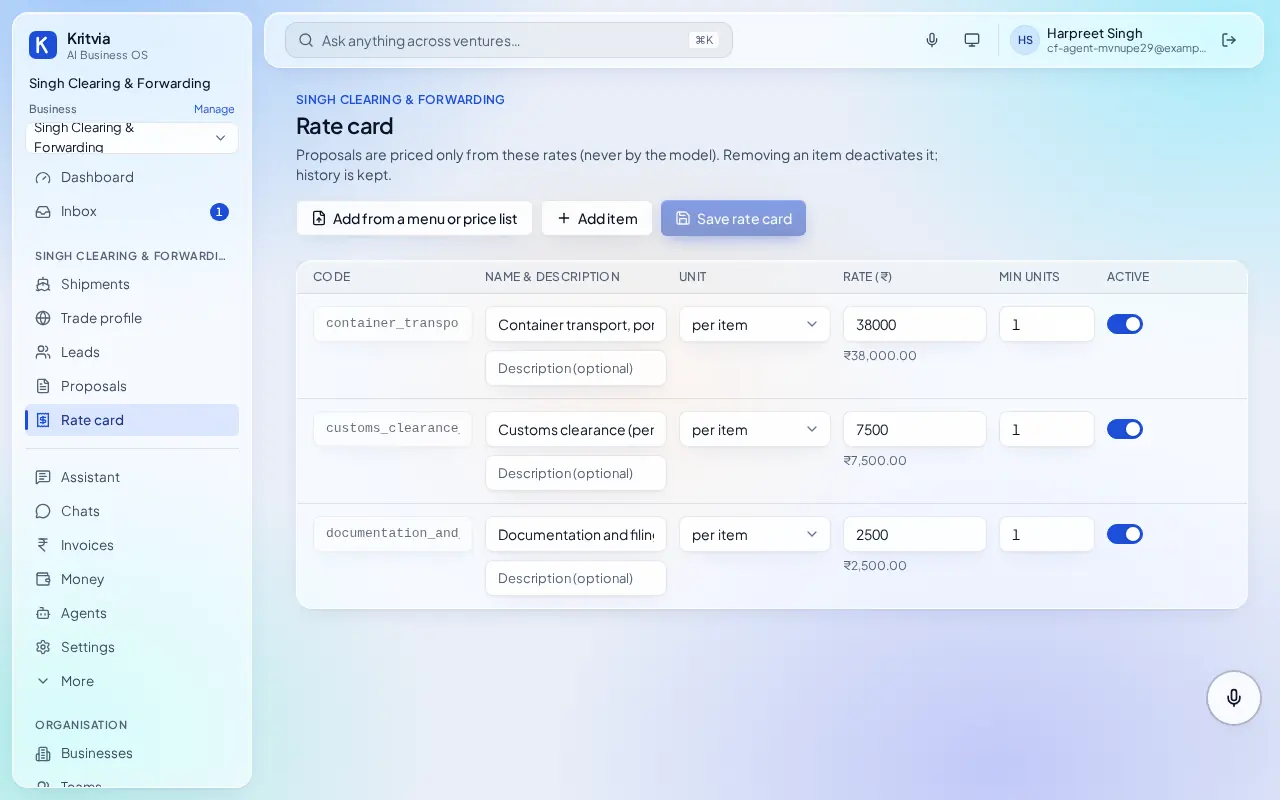
- Rate card: your charges, for example Customs clearance (per bill of entry), Container transport, port to Delhi, Documentation and filing.
- Shipments → New file, ticked for a client: the client's name, direction, ports, customs stage, your fee and reimbursable charges.
- Bill the client from the file when the job is done: it becomes an invoice with a payment page.
- Set up your phone and invite your team as in the general guide.
Every day
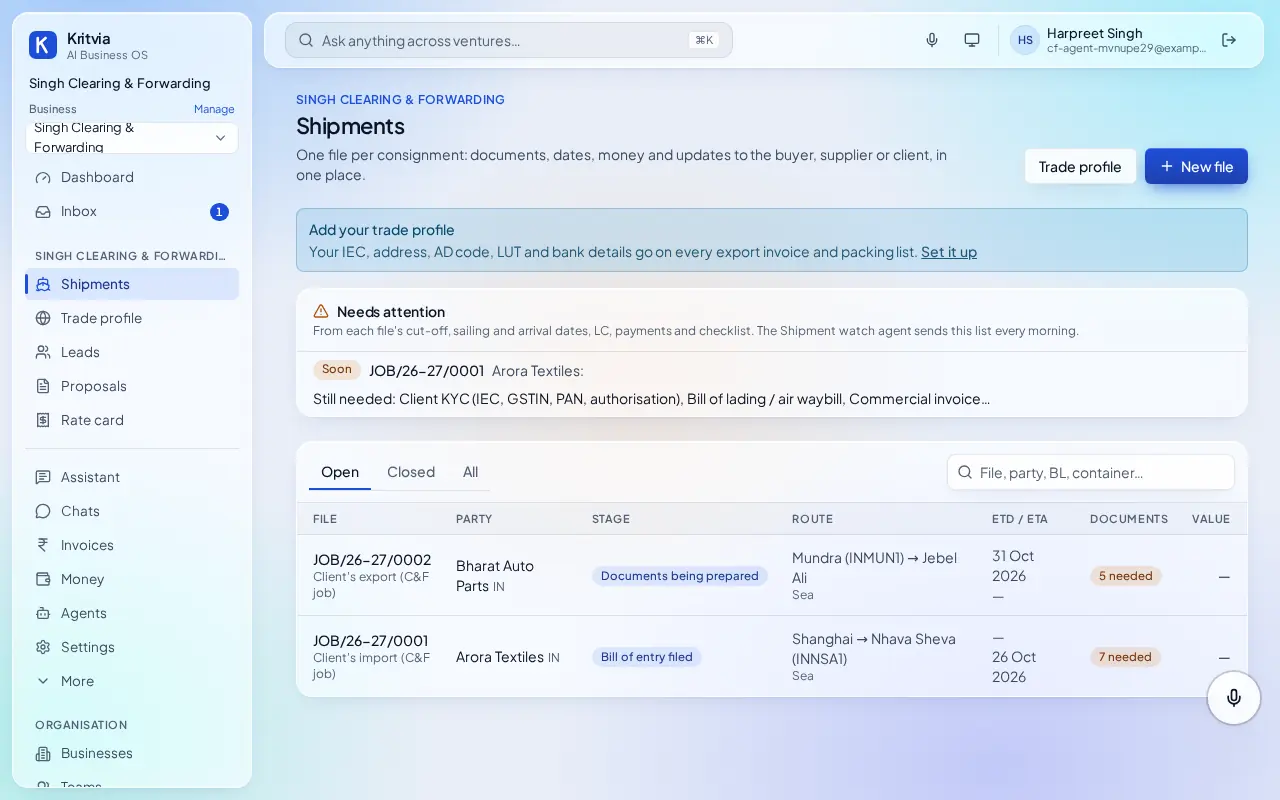
- Shipments lists every client file by stage; Needs attention shows what's due.
- Client status updates are drafted for your yes.
- Unpaid bills get payment reminders after your yes.
Which plan you need
Files and billing on every plan; the morning watch and WhatsApp from Starter.
Next: Kritvia for shop